Social Profile Links That Pass 220+ Directory Checks for Startups
A social profile link is a direct URL to your page on a platform like LinkedIn or Instagram, and it matters because it tells search engines and customers exactly where to verify you exist. The immediate action: grab the canonical URL from each network’s public profile settings and paste it, unchanged, wherever a “website” or “social” field asks for it.
TL;DR:
- Consistent use of canonical URLs across platforms ensures your profiles are accurately verified and easily found by search engines and prospects.
- Double-check that your profile links are public and follow each platform’s exact URL format to avoid rejection or broken links during submission.
- Place your social profile links prominently in website headers, email signatures, and contact pages to maximize visibility and credibility.
- Using link-in-bio pages consolidates multiple links into one destination, but require careful prioritization, UTM tagging, and regular click tracking for effectiveness.
- Regularly testing all profile links every three months prevents dead or outdated URLs from damaging your online reputation or causing submission rejections.
Table of Contents
- Where to Find Your Social Profile Links on Every Major Platform
- How to Add or Edit Social Profile Links Without Getting Rejected
- Where to Actually Put Your Social Profile Links
- Link-in-Bio Pages: When One Link Beats Five
- Formatting Rules That Prevent Broken and Ugly Links
- How Clean Profile Links Improve Startup Directory Submissions
- Why Most Founders Get Profile Links Backward
- Get Your Profile Links Submitted Right the First Time
- Sources
Where to Find Your Social Profile Links on Every Major Platform
Every network buries its shareable URL in a slightly different spot, and guessing wrong is how people end up linking to a search results page instead of an actual profile. Platform help pages, including LinkedIn’s own “Edit public profile & URL” settings, give explicit instructions for finding these, but here’s the fast version:
- LinkedIn: Open your profile, click “Edit public profile & URL” on the right sidebar. Personal format:
linkedin.com/in/{username}. Company pages uselinkedin.com/company/{username}. - Facebook: Go to your Page’s “About” tab and copy the URL bar. Format is
facebook.com/{username}for pages; personal profiles often carry a numeric ID instead of a custom slug. - Instagram: Tap your profile picture, then “Edit Profile.” Your handle is the URL:
instagram.com/{username}. - X: Your handle after the @ symbol is the whole URL:
x.com/{username}. - YouTube: Channels can use a custom handle (
youtube.com/@{handle}) or the older/channel/{ID}format found under “Advanced settings.” - TikTok: Format is
tiktok.com/@{username}, visible directly on your profile page. - Pinterest: Business profiles use
pinterest.com/{username}, found under “Profile settings.”
Company slugs and personal usernames frequently differ on the same platform, so double check you’re grabbing the business page, not someone’s personal account, before you paste anything into a directory form.
How to Add or Edit Social Profile Links Without Getting Rejected
Most rejections happen because someone pastes a search URL, a mobile deep link, or a partial address instead of the clean, public profile URL. Fix that first, then follow the platform’s own field.
- Website builders and bio sections: Paste the full
https://URL into the designated social field, not the general “website” field, if one exists. - Google Business Profile: Open your listing, select “Edit profile,” go to “Contact,” then “Social profiles.” Google Business Profile requires each link to follow a specific platform format and allows only one URL per platform.
- Directory listings: Most forms validate the domain pattern automatically. If a submission bounces, the culprit is almost always a missing
https://, a trailing slash, or a link to a login wall instead of the public page.
If a link gets rejected repeatedly, check whether the account is set to private. A locked profile isn’t just bad for engagement. It also fails the “public page” requirement most directories and business tools quietly enforce.
Pro Tip: Open every profile link in an incognito browser window before you submit it anywhere. That’s the exact view a stranger, or a directory reviewer, will see.
Where to Actually Put Your Social Profile Links
Placement matters as much as accuracy. A perfect URL sitting unused in a spreadsheet does nothing.
- Website header or footer: The most consistent spot visitors expect to find your channels.
- Email signature: Every outbound email becomes free, repeated exposure.
- Contact page and blog author bios: Adds credibility to written content and press mentions.
- Directory listings and Google Business Profile: Confirms you’re a real, active business, not a placeholder listing.
- Digital business cards: Increasingly common for founders at events and demo days.
Cross-linking between platforms (linking your Instagram bio to your LinkedIn, for instance) reinforces that all these accounts belong to the same person or brand.
Link-in-Bio Pages: When One Link Beats Five
Instagram and TikTok cap you at a single clickable link in your bio, which is exactly why link-in-bio landing pages exist. Visitors who land on one of these pages click multiple links once they’re there (https://linktr.ee/features/link-in-bio), so a well-organized consolidation page can outperform a single bare URL.
The trade-off is real, though. An aggregator adds one extra click between your audience and the destination, and it means your public bio link points to a third-party domain instead of your own site, which slightly dilutes the SEO value a direct backlink would carry.
Before setting one up, run through this checklist:
- Lock in a canonical URL for your own site as the top link, always.
- Add UTM parameters to campaign links behind the aggregator, not in your public bio field.
- Order links by priority: highest converting or most current offer first.
- Check click analytics monthly and prune dead or outdated links.
A platform like Facet consolidates creator profiles and content into one hub, which is worth a look if you’re managing several channels solo.
Formatting Rules That Prevent Broken and Ugly Links
Sloppy formatting is the single biggest reason profile links break, get flagged, or just look unprofessional in a press kit or directory submission.
- Match platform-standard patterns exactly. No trailing punctuation, no capital letters where the platform uses lowercase, no
http://wherehttps://is required. - Keep your username identical across networks. Consistent handles make you easier to find and strengthen your personal brand across every channel at once.
- Never paste tracking parameters into a public bio field. Save UTM strings for your link-in-bio destination, not the raw handle you hand out on business cards.
- Turn on two-factor authentication. A hijacked account with your business name attached does far more damage than a broken link ever could.
- Test every link quarterly. Platforms redesign URL structures more often than people expect, and old links silently die.
Pro Tip: Keep a single spreadsheet with every platform, your exact canonical URL, and the date you last tested it. Five minutes a quarter saves you from a dead link sitting in a directory for months.
How Clean Profile Links Improve Startup Directory Submissions
Directories use your social profile links to confirm you’re a real, active business before they’ll approve your listing. A broken or private link is one of the fastest ways to get rejected outright, since malformed or inaccessible profile fields are a common rejection trigger across submission forms.
Before submitting anywhere, run this checklist:
- Confirm every URL is public, canonical, and loads without a login.
- Match your bio and business description across every platform.
- Keep a screenshot of each profile as backup proof if a reviewer asks.
- Verify links one more time right before you hit submit, not weeks earlier.
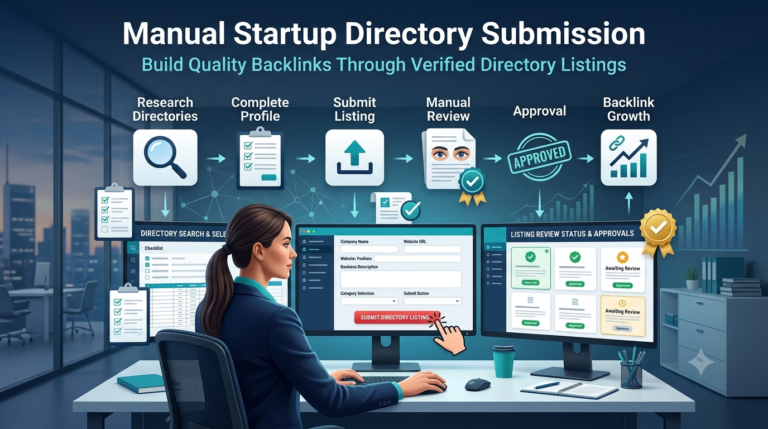
Startupsubmit builds this validation into every manual submission across 220 or more high-authority directories, which is part of why clients have reported traffic gains as high as 338% after launch.
Why Most Founders Get Profile Links Backward
Most advice treats social profile links as a checkbox: fill in the fields, move on. That’s backward. The link itself is worth far less than what it proves. A working LinkedIn URL tells a directory reviewer, a journalist, or a potential customer that a real person or team stands behind the name on the page.
The conventional wisdom obsesses over having a presence everywhere. Five networks with a stale bio and an inconsistent handle hurt you more than two networks kept current and identical. Consistency is the lever that actually moves the needle here, not volume.
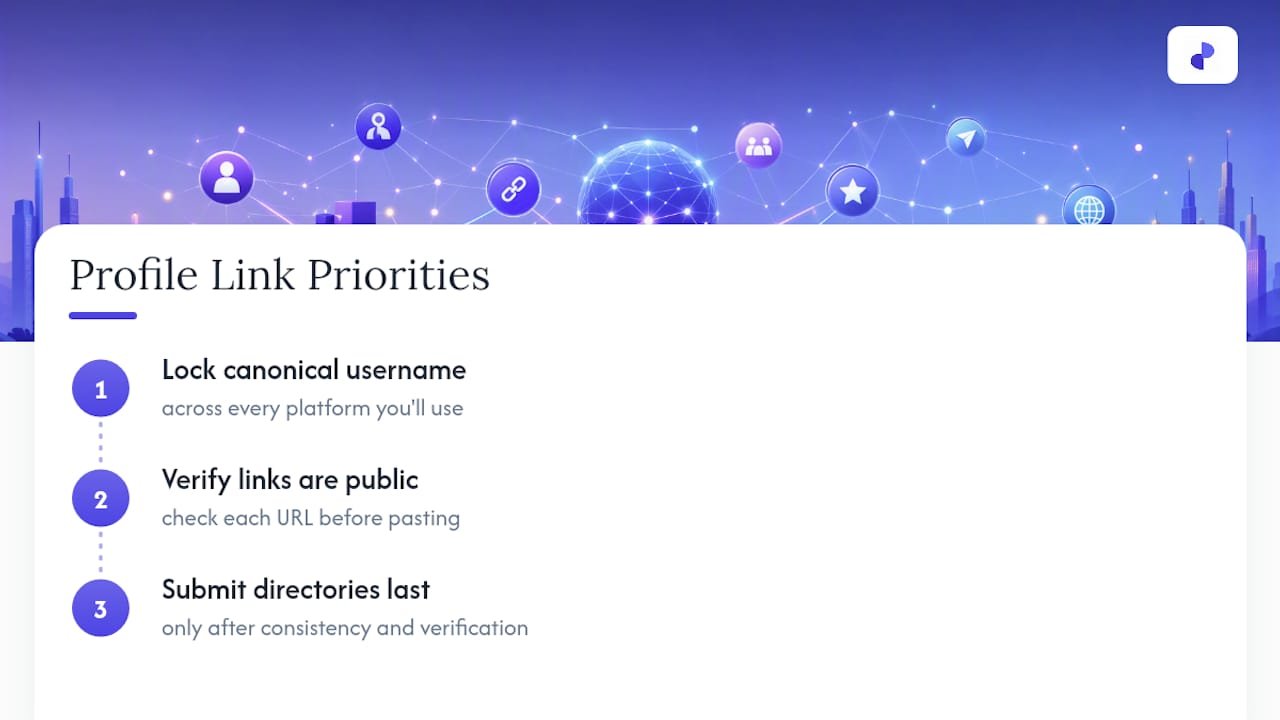
If you’re launching a startup, prioritize this in order: lock your canonical username across every platform you’ll actually use, verify each link is public before you paste it anywhere, and only then worry about which directories to submit to. Skipping straight to submissions with sloppy links is how founders end up rejected and confused about why.
— Danish
Get Your Profile Links Submitted Right the First Time
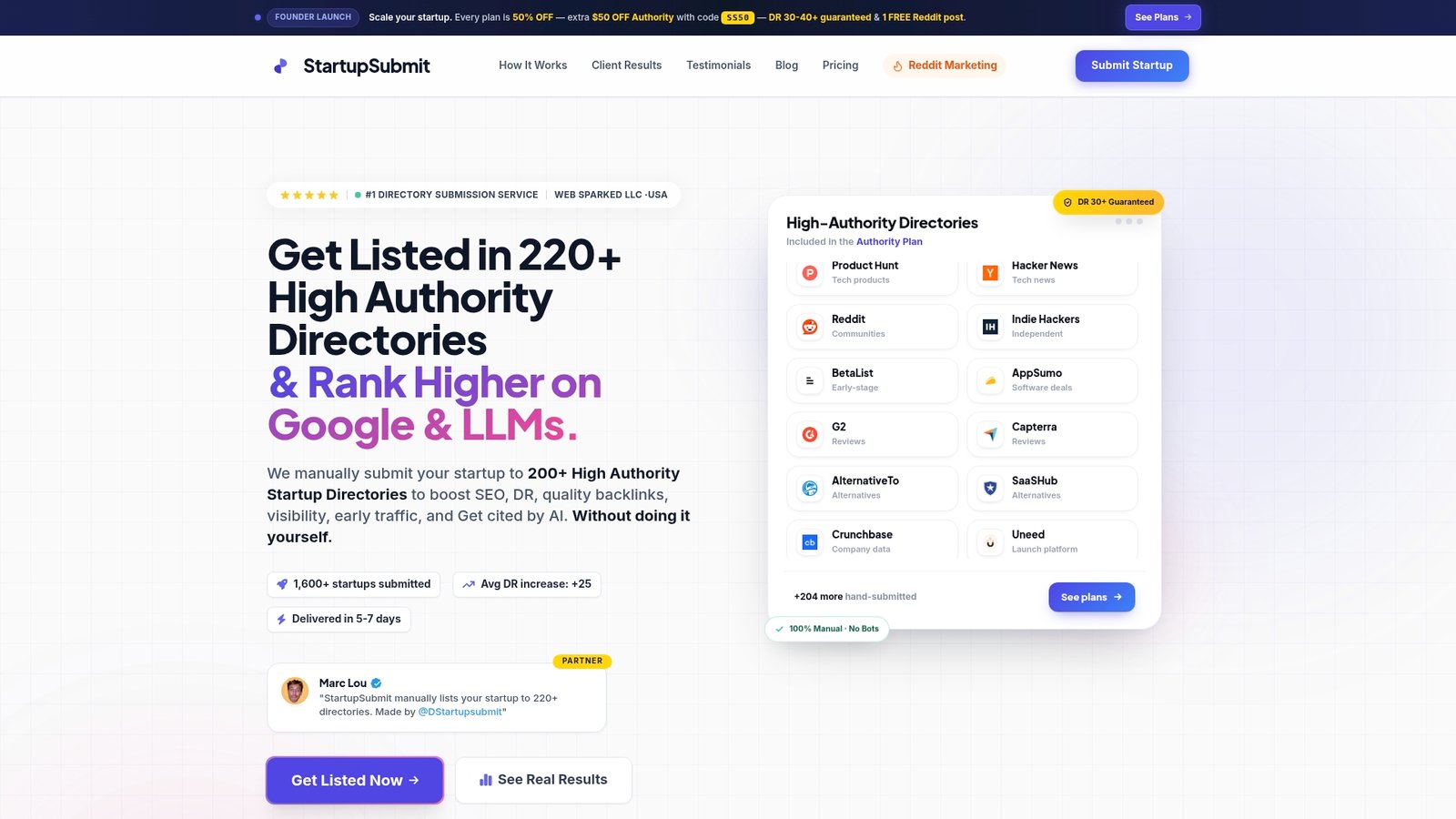
Startupsubmit exists for the moment right after you’ve cleaned up your links and you’re staring at 200 directory forms wondering which ones are even worth your time. Instead of guessing formats or getting bounced for a malformed URL, a dedicated team manually checks each profile link, writes a unique listing, and submits it across 220 or more high-authority directories.
DIY submission works fine if you have a free afternoon and patience for rejection emails. If you’d rather skip that and get placement reporting showing exactly where your startup landed, start your directory submission and let someone else chase down the broken links.
Sources
- Manage your social media links – Google Business Profile Help
- Find your links for your different social networks – Cyberimpact
- 10 Steps to Building Your Personal Brand on Social Media | Digital Marketing Institute