SaaS SEO Tools: 10 Picks for Founders in 2026
The biggest SEO suite is often the wrong first purchase. A pre-revenue team can waste money on seats and credits it rarely uses, then open the tool only to check a few keywords.
Start with the task that is slowing growth: finding competitors' backlinks, checking a site after migration, briefing a writer, or confirming that Google can index key pages. The tools below are matched to those jobs and to the stage when each job matters, rather than ranked by feature count.
For a lean team, Google Search Console, one crawler, and one affordable research tool can cover the basics for under a few hundred dollars a month. Add content software when a regular publishing schedule makes briefs or optimization a genuine bottleneck.
There is some evidence for focusing by audience. A secondary summary of analysis by Stratabeat and CMO Huddles reports that, among 300 B2B SaaS websites, sites segmenting audiences by industry grew Top 10 keywords by 43.4%, while sites without segmentation declined. That finding describes a correlation; it does not establish what caused the difference. The Stratabeat and CMO Huddles analysis of SaaS segmentation and organic growth
Use tools to address a specific need, then check whether they change a decision. Research tools can help identify opportunities, crawlers can surface technical issues, and content tools can support a publishing team. Their value depends on the work your team needs to do.
Buy for today's bottleneck. Cancel tools that do not earn their place.
Table of Contents
- 1. Ahrefs
- 2. Semrush
- 3. Google Search Console
- 4. SE Ranking
- 5. Screaming Frog SEO Spider
- 6. Surfer
- 7. Clearscope
- 8. Keyword Insights
- 9. Moz Pro
- 10. Mangools
- How the 10 SaaS SEO tools compare on entry price, free access, and best fit
- Build a Small SaaS SEO Stack and Expand Only When Data Demands It
1. Ahrefs
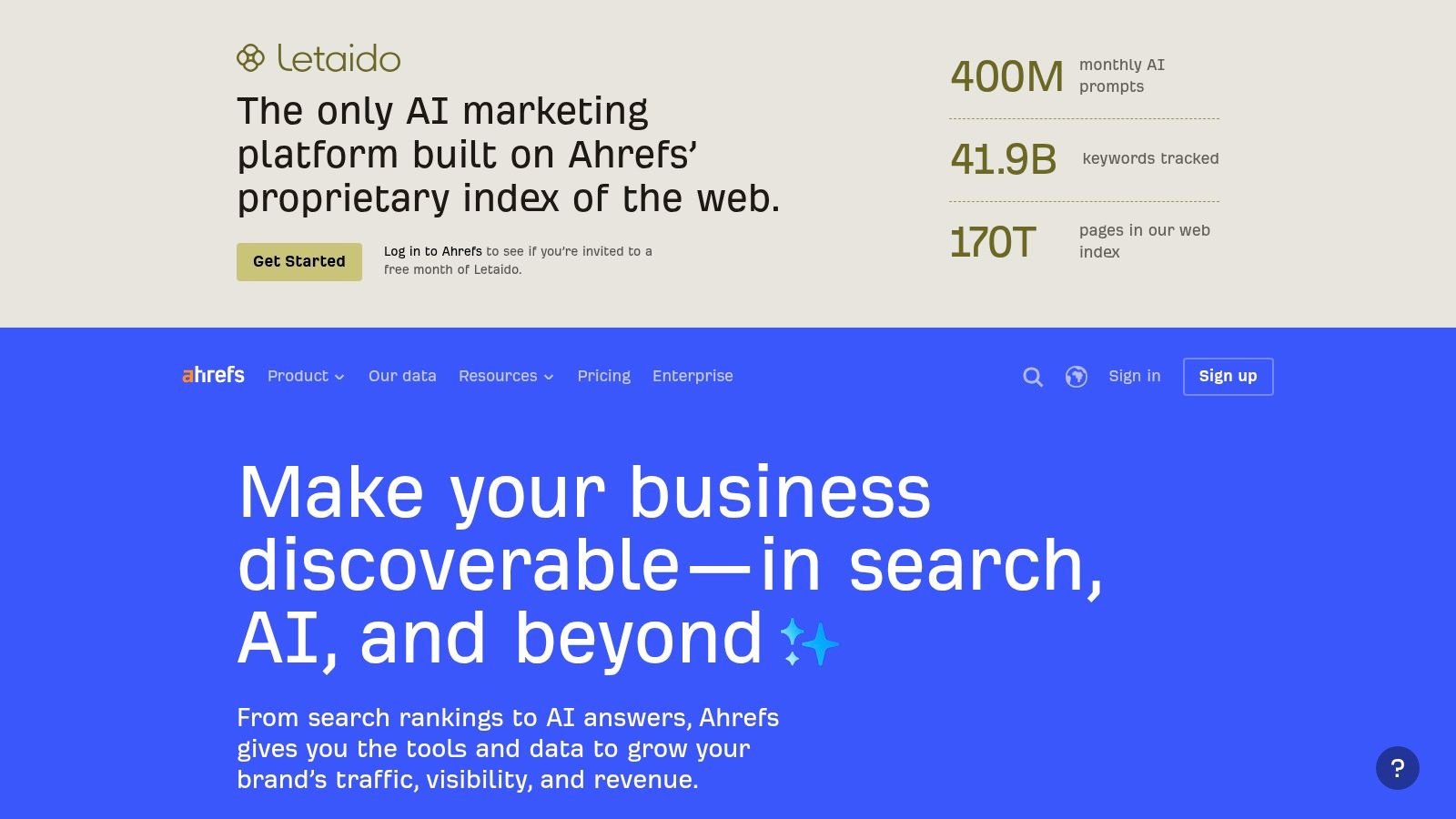
If the job is backlink gap hunting, Ahrefs is the tool most founders keep. Site Explorer shows a competitor's top pages, estimated traffic, and referring domains in one place, so you can see which tutorials, comparisons, and free tools attract links.
Keywords Explorer handles SERP research, while Site Audit and Rank Tracker cover your own site. A limited free account for verified sites is enough for a solo founder to monitor basics before paying.
Paid plans include a $29/month Starter option, while Lite starts at $129/month. Costs climb as credits and projects grow, and entry limits can feel tight during heavy research weeks.
Treat the traffic numbers as directional, not as analytics. Domain Rating is a third-party metric, not a Google ranking factor. Use it to compare competitors, then verify movement in Search Console.
That comparison matters because a benchmark compilation reported a median Domain Rating of 62 among sampled SaaS companies, with quartiles at 38 and 77, according to a 2026 compilation of SaaS SEO domain rating benchmarks. Benchmark against direct rivals, not that median.
Pair that gap work with placements you can track. A directory submission service only helps if you record referring domains before and after, then check which profiles get indexed.
2. Semrush
Semrush is the broad platform teams choose when SEO sits next to content, ads, and AI visibility work. One login covers keyword and competitor research, position tracking, backlink analysis, and site audits.
That breadth is useful for a marketing lead juggling channels. It's wasted on a founder who only needs rank checks.
Where Semrush Earns Its Price
The SEO Toolkit is listed at $139.95/month for Pro, $249.95/month for Guru, and $499.95/month for Business, with trial availability varying. Higher tiers add the SEO Writing Assistant and content planning. Extra users and specialist toolkits push the bill up fast.
- Best fit: A small marketing team replacing several separate subscriptions.
- Watch out for: Plan limits on reports, projects, and tracked keywords.
- Skip it if: You've no content or ads workflow to feed it.
Semrush is also a practical place to watch AI search volatility. Its research found Google AI Overviews appeared for nearly 25% of tracked keywords in July 2025 before declining to 15.69% by November, according to the Semrush AI Overviews study tracking prevalence through 2025. Visibility moves. Don't treat one snapshot as a ranking.
If you use it to plan category pages, connect that research to real placements through a SaaS directory submission service, then measure branded search and assisted conversions separately.
3. Google Search Console
Every SaaS SEO stack starts here, because Google Search Console provides first-party data. It shows the queries, clicks, impressions, and pages Google surfaced for your verified site.
Third-party tools estimate. Search Console tells you whether a new comparison page got indexed and whether anyone clicked it. URL inspection helps troubleshoot indexing, and alerts flag certain spam or site issues early.
If a paid tool says traffic rose but Search Console clicks didn't move, trust Search Console and investigate the gap.
It's free, which makes skipping it hard to defend. You'll need site verification, and it only covers Google. It won't crawl your site like Screaming Frog or hand you a content strategy.
Search Console is also where Google reports AI feature traffic. Google says pages must first be indexed and eligible to appear in ordinary Search with a snippet, and that AI feature traffic appears within normal Web search reporting, according to Google's official documentation on AI features and Search Console reporting. No special AI markup buys you a shortcut.
That makes fundamentals the prerequisite for Google AI Overview visibility. Fix crawlability and indexability first, then worry about citation tracking.
Use Search Console weekly. Check new pages, declining queries, and indexing drops.
4. SE Ranking
SE Ranking fits teams that want recurring monitoring without buying the largest suite. Rank tracking, keyword and competitor research, backlink research, and website audits live in one dashboard, with Google Analytics and Search Console integrations for reporting.
Its GEO and AI visibility features give SaaS teams a way to watch traditional rankings and newer answer surfaces together. That's useful if you're already tracking ChatGPT visibility questions from leadership.
Pricing and Trial
There's a 14-day trial without a credit card, but no permanent free plan. Core is listed at $129/month or $103.20/month billed annually, and Growth at $279/month or $223.20/month billed annually. Enterprise pricing is custom.
Annual billing is listed as 20% less than monthly billing, so test on monthly terms first. Confirm the keyword and audit limits match your market before committing for a year.
The honest trade-off is depth versus simplicity. Data coverage varies by country, so run your core commercial terms during the trial and compare results against Search Console and a manual SERP check.
If you're pairing monitoring with off-site coverage, research the best startup directories before you submit anywhere. Relevance and accurate categorization matter more than volume.
Use the trial to answer one question. Does this dashboard replace a tool you're already paying for?
5. Screaming Frog SEO Spider
A rank tracker will not catch a redirect chain after a migration. Screaming Frog SEO Spider crawls your site from a desktop app, checking titles, meta descriptions, headings, status codes, and internal links. It can surface broken links, redirect chains, and duplicate pages before they become launch problems.
The free version crawls up to 500 URLs, enough for many early marketing sites and one-off checks. A paid license costs £199 per user per year and adds configurable crawls, saved data, JavaScript rendering, and structured data checks.
Use it around a redesign or migration: crawl before launch, crawl again after, then send the errors to an engineer as tickets. It also connects with Analytics, Search Console, and PageSpeed Insights, so you can add performance and traffic data to a crawl.
- Broken links and redirects: Find chains that waste crawl attention and frustrate visitors.
- Duplicate pages: Spot near-identical URLs that may compete with each other.
- Integrations: Bring in Analytics, Search Console, and PageSpeed Insights data.
The trade-off is a dense interface that can overwhelm a non-technical founder. It also lacks keyword and backlink research, and per-user licenses add up as the team grows.
Start with the free 500-URL tier for a small site or an occasional pre-launch check. Buy a license when you need recurring, configurable crawls, saved comparisons, or JavaScript rendering to diagnose changes across larger sites.
6. Surfer
Surfer is for the moment content output becomes inconsistent. Its Content Editor gives writers SERP-based guidance on structure and topical coverage while they draft, and Topic Maps help plan related pages instead of one-off posts.
That workflow helps a small team standardize briefs. An editor can check coverage before publishing instead of rewriting after a page stalls.
Essential is listed at $99/month monthly or $79/month billed annually, and Scale at $219/month monthly or $175/month billed annually. Higher volume and AI-assisted article features sit on supported upper plans.
Editorial rule: Treat Surfer's score as a coverage check, not a ranking formula. A page that hits every suggested term can still read poorly and convert nobody.
Mechanical optimization is the main risk. Writers chase the score, headings get stuffed, and your product voice disappears. Set a minimum quality bar that sits above the tool, especially for comparison and pricing pages.
Surfer also won't fix a thin backlink profile or a broken site structure. It's a content tool, not a technical crawler and not a competitor link database.
Buy it when you've got a writer producing pages every week. Before that, a clear brief written from Search Console queries costs nothing and often works just as well.
7. Clearscope
Clearscope earns its place when several writers need consistent briefs and editorial checks. Its topic research and content assessments give freelancers and in-house writers shared expectations, which can save an editor from reworking every draft.
For a solo founder, that workflow may be more process than the team needs. A content lead coordinating contributors across product, support, and blog content is more likely to benefit. The trade-off is cost: Clearscope supports editorial consistency, but it does not replace backlink research or technical crawling.
Essentials is listed at $129/month and Business at $399/month, with a 14-day free trial. Check the vendor's pricing page for current plan limits and inclusions. Monthly plans have no minimum contract.
AI Visibility and Tracking
Clearscope also offers AI search monitoring alongside query and page tracking. Confirm the supported platform list on the vendor's site before buying, since coverage determines whether the feature fits your audience. Use citations as a way to review which owned pages appear in answers, not as a standalone visibility score.
Separate branded from non-branded queries when assessing results. A citation for your company name signals something different from inclusion in a category recommendation.
Clearscope makes more sense once a content team publishes regularly and needs a shared editorial workflow. If you mainly need backlink gap research or post-migration crawls, budget for those tools separately. Choose Clearscope for publishing operations, not as a substitute for a broader SEO stack.
8. Keyword Insights
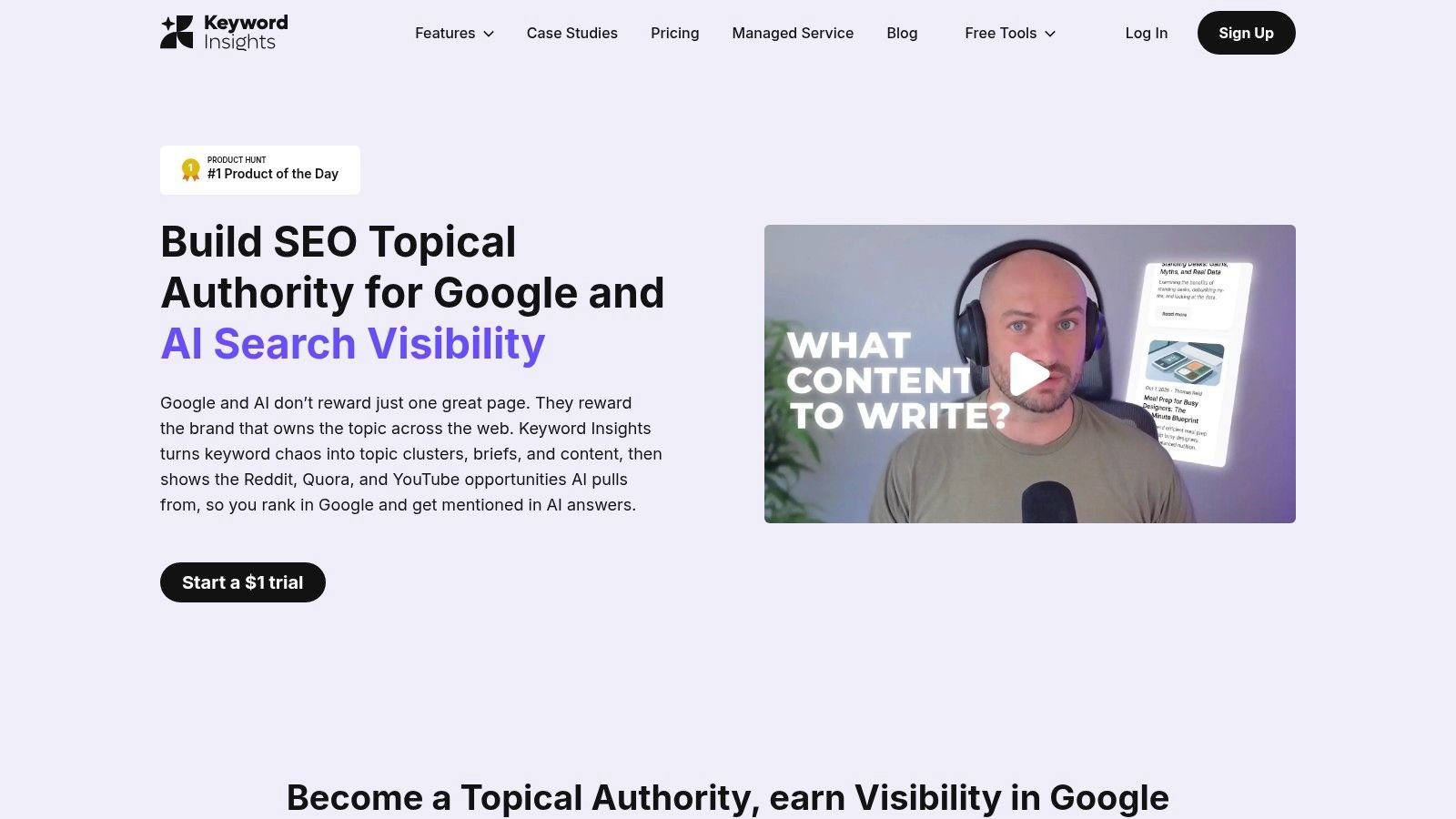
A spreadsheet of raw keywords is not a content plan. Keyword Insights turns large lists into topic clusters grouped by search intent, so you can map articles, landing pages, and documentation to what people want.
That clustering step prevents a common SaaS mistake. Teams publish five posts targeting the same intent, split their internal links, and wonder why none of them ranks. Group first, write second.
Basic is listed at $58/month and Professional at $99/month, with custom Enterprise pricing and a seven-day trial listed at $1. Paid plans include Search Console integrations, keyword discovery, SERP analysis, and content briefs.
Usage is credit based, and features consume credits at different rates. Plan your research in batches. Burning credits on exploratory lists you'll never publish is the fastest way to waste the subscription.
AI-generated drafts need human review, especially on product claims and pricing. Treat them as outlines.
This isn't a backlink or technical SEO suite. Pair it with Search Console data so clusters reflect queries already earning impressions, not only third-party volume estimates.
For a founder planning a first content hub, it's a focused buy. Start with one product area, cluster it properly, and publish the hub before researching the next topic.
9. Moz Pro
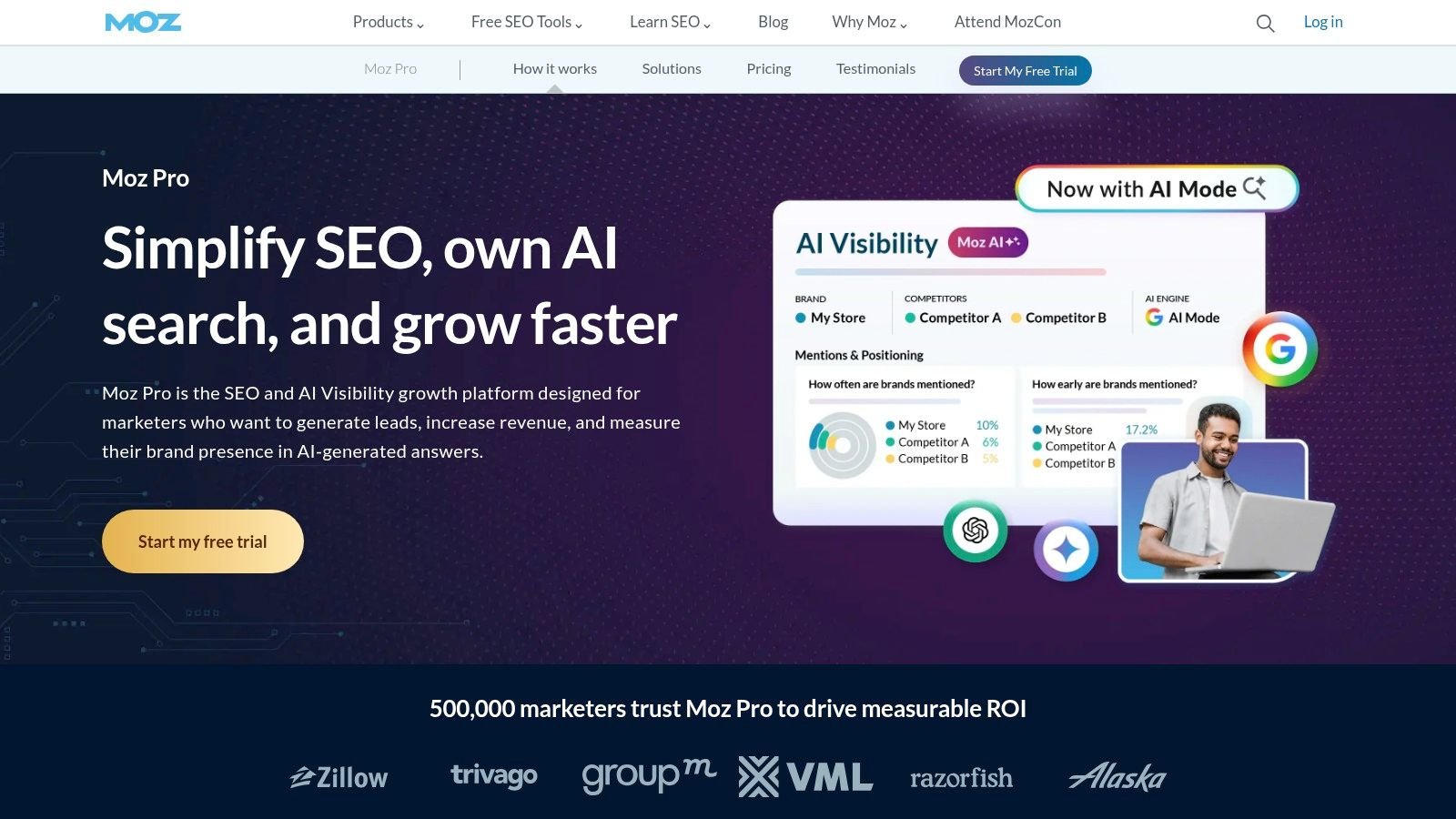
Moz Pro bundles Keyword Explorer, rank tracking, site crawls, on-page recommendations, and Link Explorer. It suits a small SaaS team that needs one place to monitor rankings, find competitor links, and catch basic site issues, but it lacks the depth of larger research databases.
MozBar provides quick checks in search results and on competitor pages. Check Moz's official pricing page for the current entry tier and plan limits before budgeting, since pricing can change. Free access is available for trying some tools, but confirm the current terms rather than assuming a specific trial length.
For a solo founder, Moz Pro makes sense when regular rank monitoring and backlink research justify another subscription. Skip it if you only need occasional checks: Google Search Console and a focused crawler can cover early-stage needs.
Use Domain Authority as a comparison metric, not a Google ranking score or a promise that a page will rank. Google's spam policies defining link spam and manipulative link schemes warn against creating links mainly to manipulate rankings, including paid links and exchanges for coverage. Evaluate SaaS directory listings for genuine discovery value and relevance, not just a potential change in a third-party score. A SaaS directory listing service should be judged by the same standard.
10. Mangools
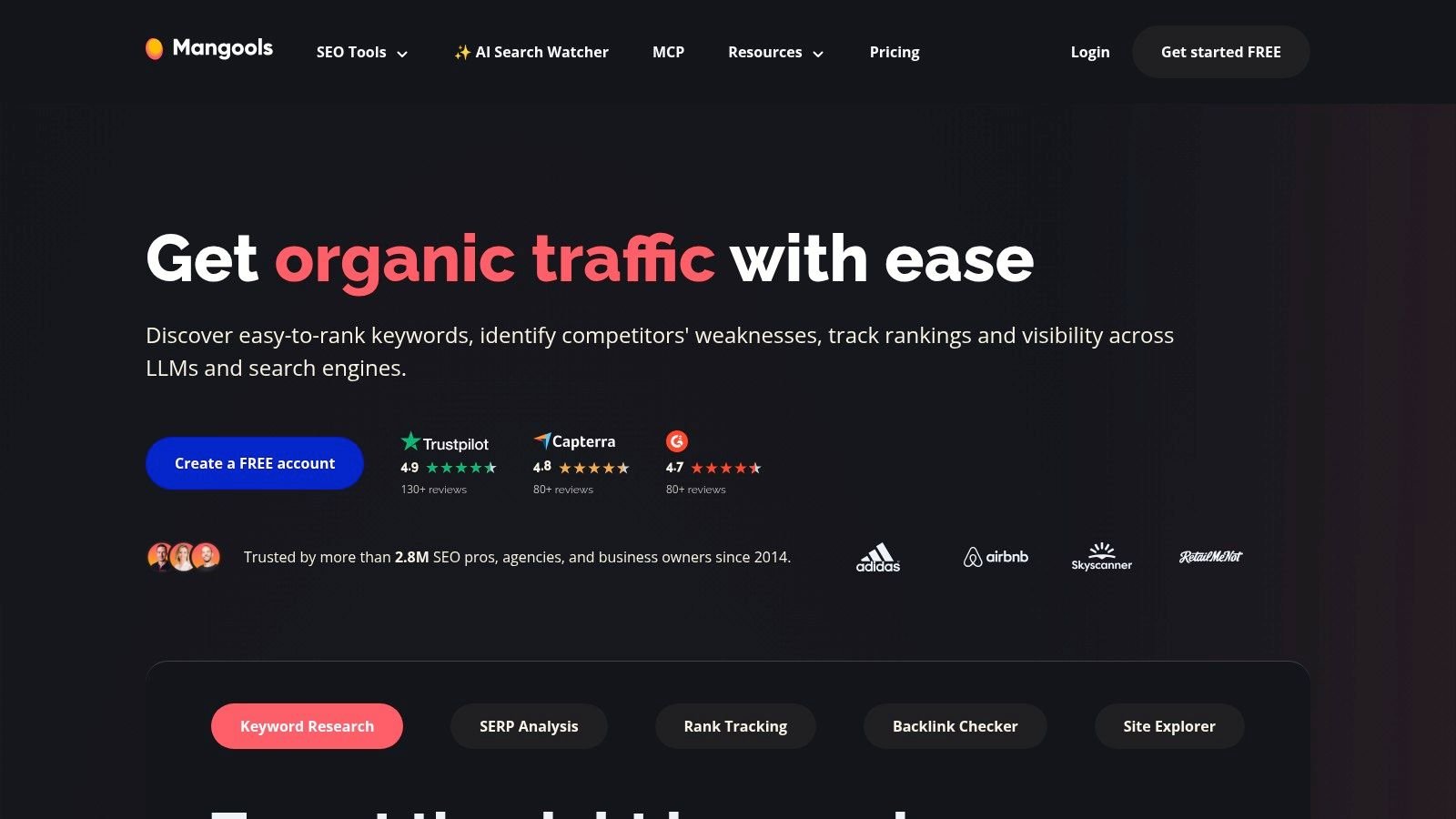
Mangools fits a solo founder who needs keyword research and rank checks without adopting a broad SEO suite. Its five focused tools cover distinct jobs:
- KWFinder: Find keyword ideas and estimate difficulty for niche terms.
- SERPChecker and SERPWatcher: Review search results and monitor rankings.
- LinkMiner and SiteProfiler: Research backlinks and domains.
You can try Mangools without a credit card. The company directs users to its live pricing page for current plan prices, so check the cost and limits before subscribing. For a pre-revenue team, Mangools can handle keyword research and rank monitoring, while Google Search Console covers performance data at no cost. Add another paid tool only when a clear gap appears.
The trade-off is database depth. Mangools offers less breadth than Ahrefs or Semrush and does not crawl a site for technical issues. Pair it with Screaming Frog's free version when you need to check a migration or audit pages.
For an indie founder, the practical use is straightforward: track commercial terms, find competitor pages earning links, and reserve time for content and product work. If you are building early visibility on a tight budget, review relevant free startup directories before adding another subscription.
How the 10 SaaS SEO tools compare on entry price, free access, and best fit
| Item | Starting Price (as listed) | Free Access | Best For |
|---|---|---|---|
| Ahrefs | $29/month Starter | Limited access for verified websites | Backlink and competitor research |
| Semrush | $139.95/month Pro | 7-day trial available for many subscriptions | Broad SEO and marketing research |
| Google Search Console | Free | Free for verified websites | Monitoring Google Search performance |
| SE Ranking | $129/month Core; $103.20/month billed annually | 14-day trial, no credit card required | Combined SEO monitoring and research |
| Screaming Frog SEO Spider | £199/user/year | Free crawl of up to 500 URLs | Technical website audits |
| Surfer | $99/month Essential; $79/month billed annually | No free access listed | SEO content planning and optimization |
| Clearscope | $129/month Essentials | 14-day free trial | Editorial content optimization |
| Keyword Insights | $58/month Basic | 7-day trial for $1 | Keyword clustering and content planning |
| Moz Pro | Around $49/month for entry plans | Limited free tools and account access | Core SEO research and tracking |
| Mangools | Check live pricing page | Free access without a credit card | Keyword research for solo founders and small teams |
Build a Small SaaS SEO Stack and Expand Only When Data Demands It
Start with the smallest stack that answers real questions. For most early SaaS teams, that's Google Search Console plus a crawler. Search Console proves whether pages are indexed and clicked. Screaming Frog's free tier catches broken links, duplicates, and redirect chains before they cost you traffic.
That combination costs nothing and covers the prerequisites for everything else, including AI search visibility. If Google can't index a page, no citation tracker will fix it.
Add one research platform only when you've got a specific gap to close. Ahrefs makes sense when competitor backlinks are the question. Semrush makes sense when SEO sits beside content and ads. SE Ranking or Mangools can be enough when you mainly need rank monitoring on a tight budget.
Match the Tool to the Stage
Pre-revenue teams should keep paid spend minimal and focused. One research tool, a free crawler, and Search Console will usually run well under a few hundred dollars a month. Spend the rest on pages worth ranking, segmented landing pages, original research, or a free calculator your buyers use.
Content tools come later. Surfer, Clearscope, and Keyword Insights only pay off when someone is publishing every week and briefs are slowing them down. Buying them before you have a writer is paying to optimize pages that don't exist.
Measure Before You Expand
Review tool spend every quarter against outcomes, not logins. Ask which pages gained clicks, which referring domains you earned, and which subscription changed a decision. Cancel anything that can't answer that.
The same discipline applies to backlinks and directory work. Record referring domains, indexed profile URLs, branded SERP coverage, and assisted conversions before a campaign, then reassess after several weeks. Google ties AI feature eligibility to normal indexation, and OpenAI notes ChatGPT adds utm_source=chatgpt.com to referrals, which you can verify in OpenAI's publisher guidance on ChatGPT search referrals and OAI-SearchBot access. Check robots.txt isn't blocking that crawler, then segment those visits in analytics.
AI visibility is volatile, and CTR assumptions break fast. A study of more than 200,000 keywords reported position-one CTR falling from 28% to 19% after AI Overviews, according to a 2025 analysis of Google organic CTR changes across 200,000 keywords. That's why a tool's traffic forecast should never outrank your own Search Console clicks and conversion data.
Services like StartupSubmit can fit this workflow as one tracked channel for directory profiles, provided you measure placements the same way you'd measure any link campaign. Keep company details consistent, keep categories honest, and keep the report.
Your next steps are simple. Verify Search Console today, run a crawl this week, pick one research tool tied to a named gap, and set a quarterly cancellation review. Grow the stack only when data demands it.
If directory coverage is part of your backlink and discovery plan, StartupSubmit manually submits SaaS and AI startups to relevant startup and software directories and reports each placement with live URLs you can track in your SEO tools. Set your baseline in Search Console and Ahrefs first, then visit StartupSubmit to choose a submission plan that matches your stage and budget.