
10 Best Blog Post Generator Tools for Startup Founders
Most blog post generators write like bots because founders give them a keyword and expect a point of view. The popular advice, pick the tool that produces the longest article fastest, solves the wrong problem. You don't need more paragraphs. You need useful arguments, credible evidence, and a reason for buyers to trust you.
A generator can accelerate that work. It can't decide which customer problem deserves an article, explain a product trade-off you haven't documented, or supply experience your team hasn't contributed.
This is already a mainstream workflow. In a worldwide survey of more than 1,000 marketing and advertising professionals, HubSpot found that 47% used AI to create blog posts, articles, and other long-form content.
Choose the tool that removes your biggest publishing bottleneck, not the one that produces the most impressive demo.
Every tool below produces a draft. The right choice depends on who writes, who edits, where you publish, and how much software you need. A solo technical founder and a marketing team coordinating campaigns shouldn't buy the same platform by default.
Output quality also isn't a distribution strategy. Internal links, relevant backlinks, directory presence, and a consistent company identity all deserve attention after publication. None guarantees rankings or ChatGPT visibility, but ignoring distribution leaves even a strong article dependent on someone stumbling across it.
1. Outrank
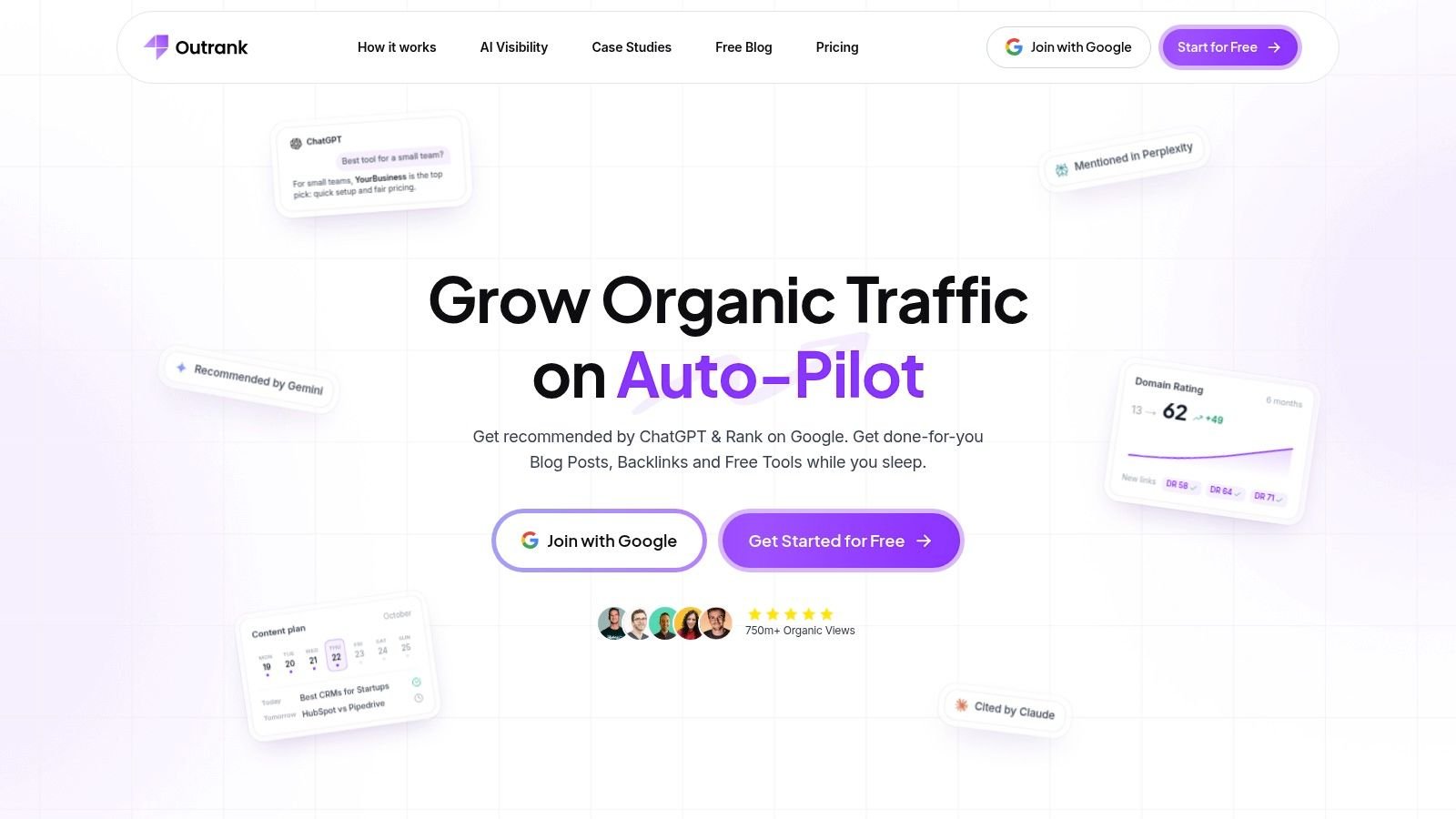
Best for founders who want fewer handoffs between keyword planning, drafting, and publishing. Outrank's free blog post generator provides an entry point, while its broader platform combines keyword research, long-form writing, custom images, and content management.
The useful distinction is operational. A standalone writer leaves you moving text between a research document, image tool, and CMS. Outrank connects more of those tasks, with publishing support for WordPress, Webflow, and Notion, plus collaboration and API integrations.
Where the integrated workflow helps
Say you're launching a customer-support SaaS product. You could organize articles around ticket routing, escalation policies, and support reporting, then give each draft your product terminology and approved examples. On-brand images and publishing integrations reduce production work around the writing itself.
- Strong fit: A founder who has a defined audience and topic strategy but limited production capacity.
- Useful controls: Content customization and rewrites help turn an initial draft into something closer to your brand.
- Main trade-off: Easier publishing makes it tempting to approve articles before the claims and examples are ready.
Keep editorial approval separate from generation. Check product descriptions, citations, screenshots, and internal links before sending anything live. Generated illustrations are useful for concepts, but they shouldn't replace actual interface screenshots when you're explaining software.
I'd shortlist Outrank when managing the production process takes more effort than deciding what to say. If your bottleneck is original technical insight, an integrated publishing platform won't remove the need for a founder or subject-matter expert.
2. Jasper
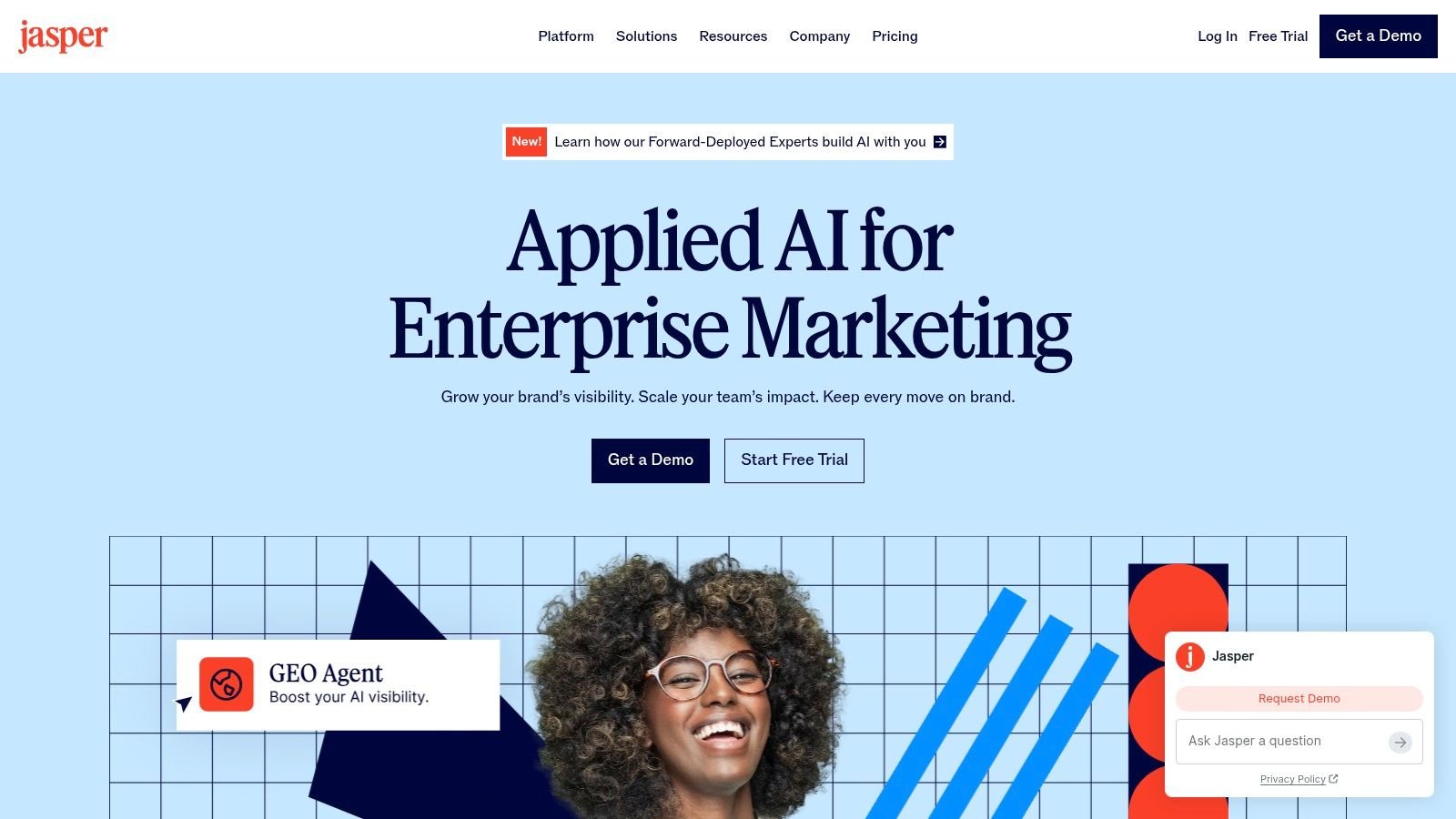
Jasper makes more sense when several people need to sound like the same company. Its Brand Voice, product knowledge settings, and shared workspaces address coordination problems that a basic article generator doesn't.
Jasper lists Pro at $69 monthly or $59 per month billed yearly, with a seven-day trial. That's easier to justify when the platform supports articles, landing pages, emails, and campaign copy rather than occasional blog posts.
Buy it for consistency, not instant expertise
Give Jasper approved positioning, strong writing samples, and clear audience definitions. A developer-tool company, for example, should distinguish content for engineering managers from documentation aimed at individual contributors.
- What works: Shared brand guidance reduces the need to explain tone and product positioning from scratch.
- What doesn't: Brand settings can't verify technical claims or invent a differentiated argument.
Keep your approved company description consistent across editorial content and external profiles. The preparation involved in a directory submission service is relevant here: your category, core promise, and product naming shouldn't change with every channel.
Choose Jasper for an established marketing workflow. A solo founder publishing infrequently may spend more time maintaining the platform than benefiting from its team controls.
3. Writesonic
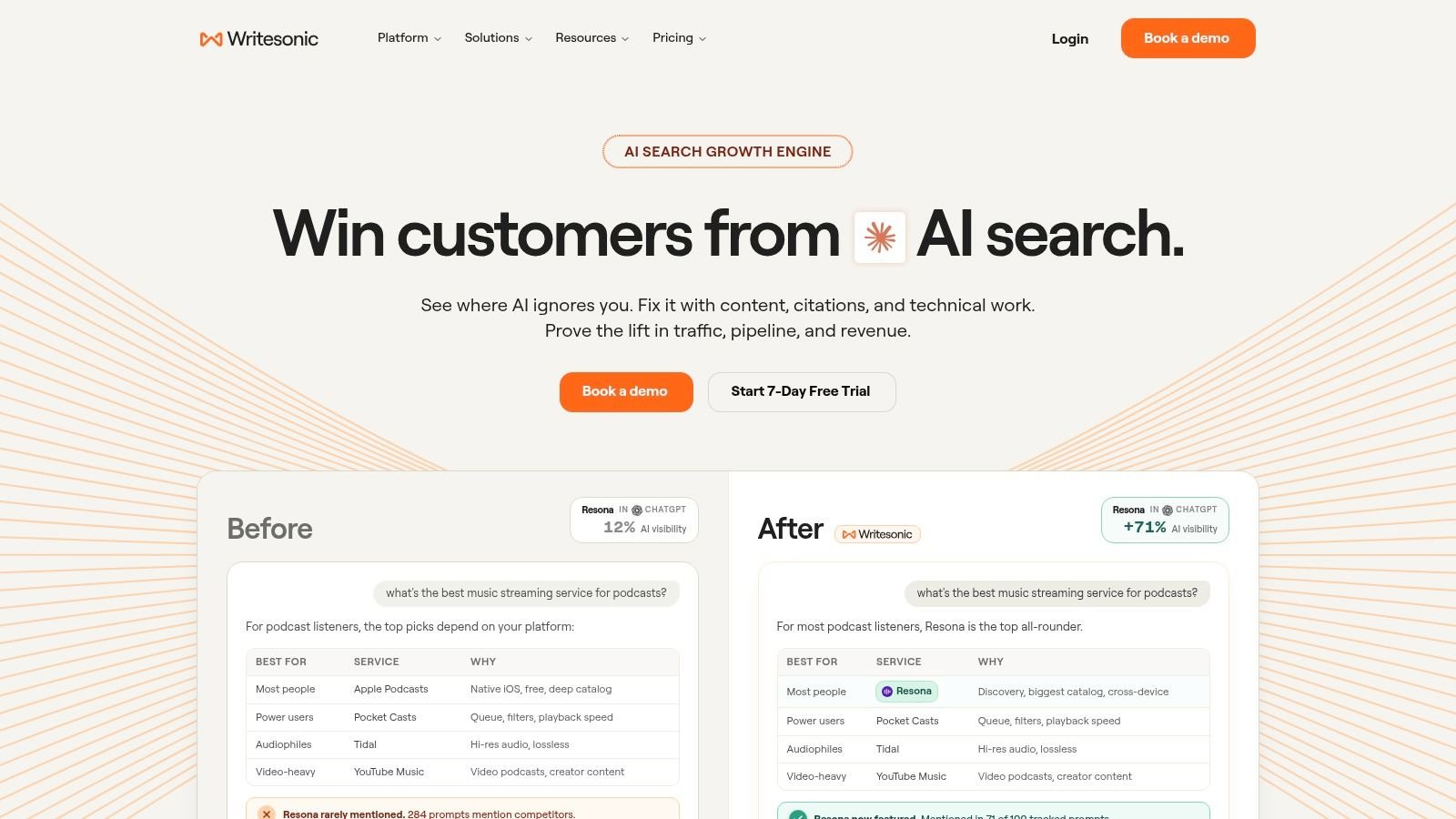
Writesonic suits teams that want drafting alongside SEO and AI-search monitoring. Its appeal isn't just article generation. The broader platform includes audit capabilities and visibility tracking across platforms such as ChatGPT, Gemini, and Google AI Overviews on listed plans.
Writesonic lists Starter at $79 per month billed annually, including 15 AI articles per month. Check which research, audit, and visibility features belong to the subscription you're considering rather than treating the platform's entire feature list as one package.
Separate creation from measurement
For a SaaS founder, a useful workflow is to draft an article answering a buying question, improve the supporting product pages, and then monitor whether relevant search and AI answers mention the company. An AI mention isn't the same as a qualified visit or signup.
- Main advantage: Research, writing, and visibility work can live closer together.
- Main limitation: You may pay for monitoring and audit features you won't maintain.
External discovery needs its own plan. Use a curated list of startup directories to identify relevant software categories and community profiles, not to scatter identical descriptions everywhere.
I'd choose Writesonic when someone owns both content production and ongoing optimization. If nobody will act on the reports, a simpler writing tool is a cleaner purchase.
4. HubSpot AI Blog Writer
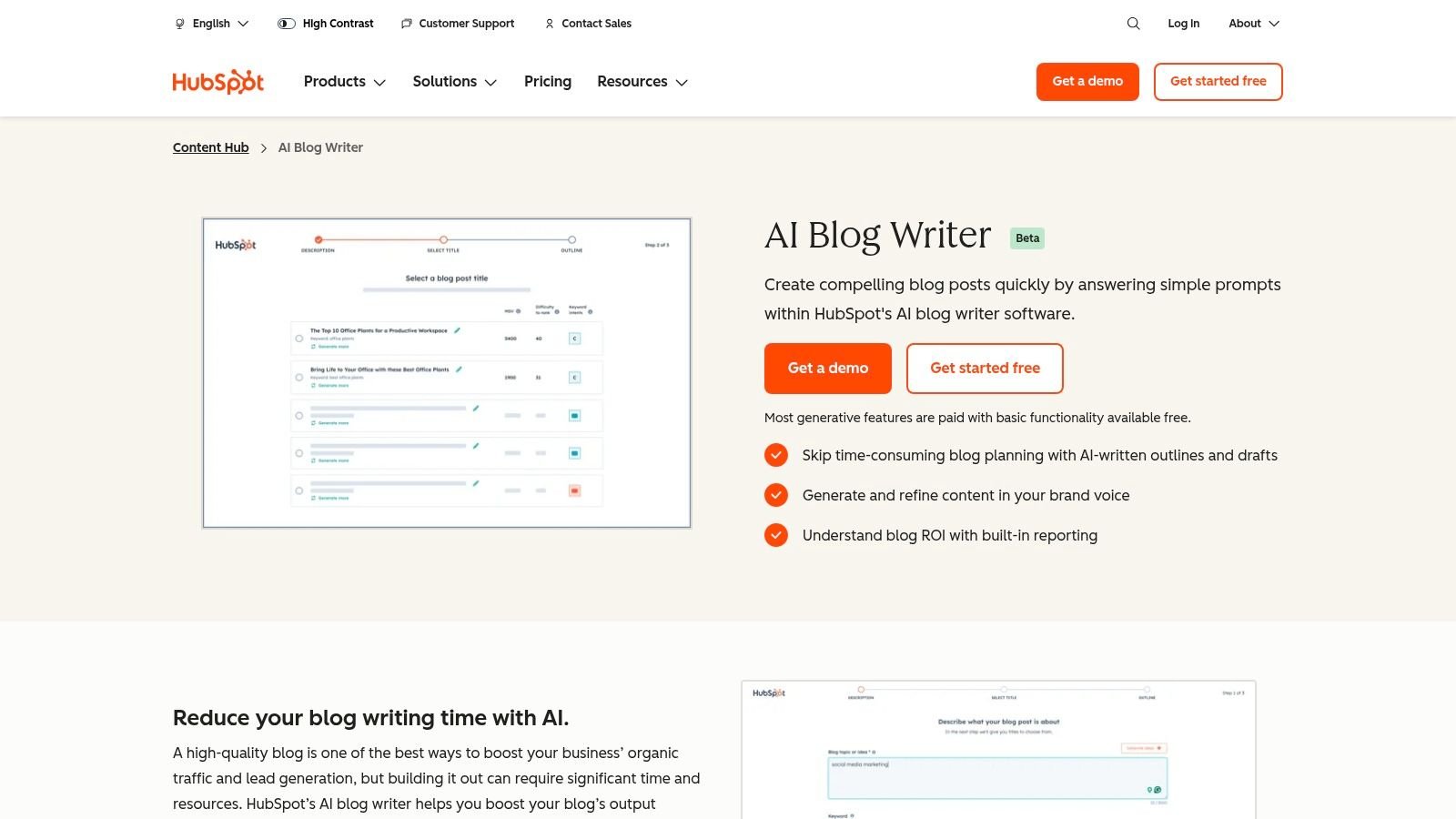
Already publishing in HubSpot? Start there before adding another writing subscription. The HubSpot AI Blog Writer generates outlines and initial drafts within its content environment, with basic functionality advertised as free and advanced generative features potentially requiring paid Content Hub access.
The benefit is fewer handoffs. Your marketer can move from a topic to a CMS draft without rebuilding the article in an unrelated publishing system.
Make the CRM context useful
Say prospects repeatedly ask how your onboarding software handles account handovers. Turn the question into a brief containing the actual workflow, limitations, and documentation. Generate the outline from that material rather than asking for a generic onboarding guide.
- Good fit: Teams already using HubSpot for content, CRM, or marketing operations.
- Weak fit: Founders whose website and reporting workflows live elsewhere.
- Editorial requirement: Review claims and examples before moving a draft toward publication.
Convenience is the reason to choose it. Don't migrate your content operation merely to obtain an AI writer.
The practical advantage disappears if your team still drafts elsewhere, transfers everything manually, and ignores the surrounding reporting environment. Evaluate the complete publishing path, not just how quickly the first paragraph appears.
5. Surfer
Surfer is for founders treating SaaS SEO as an ongoing acquisition program, not an occasional publishing task. Content Editor, keyword research, Topical Maps, and eligible AI-generation features connect planning with article optimization.
Surfer lists Essential at $99 monthly or $79 per month billed annually, including five AI-generated articles per month. Its value therefore depends on whether you'll use the research and optimization tools beyond generating drafts.
Editorial rule: Treat an optimization recommendation as a question to investigate, not an instruction to insert another keyword.
Use coverage guidance without copying competitors
For an API monitoring product, related search results may reveal that readers expect setup instructions, alerting options, and troubleshooting guidance. Include those subjects when they help buyers, but contribute your own architecture decisions and product examples.
The danger is producing a polished version of what already ranks. Search-result analysis can identify expected coverage; it can't supply your distinctive evidence.
Keep off-page work separate from your content score. A startup directory submission workflow concerns accurate company profiles and relevant discovery surfaces, not adding terms to an article.
Choose Surfer when someone can interpret its recommendations. If your editor blindly follows every suggestion, you can end up with longer copy that answers the reader's question less directly.
6. Frase
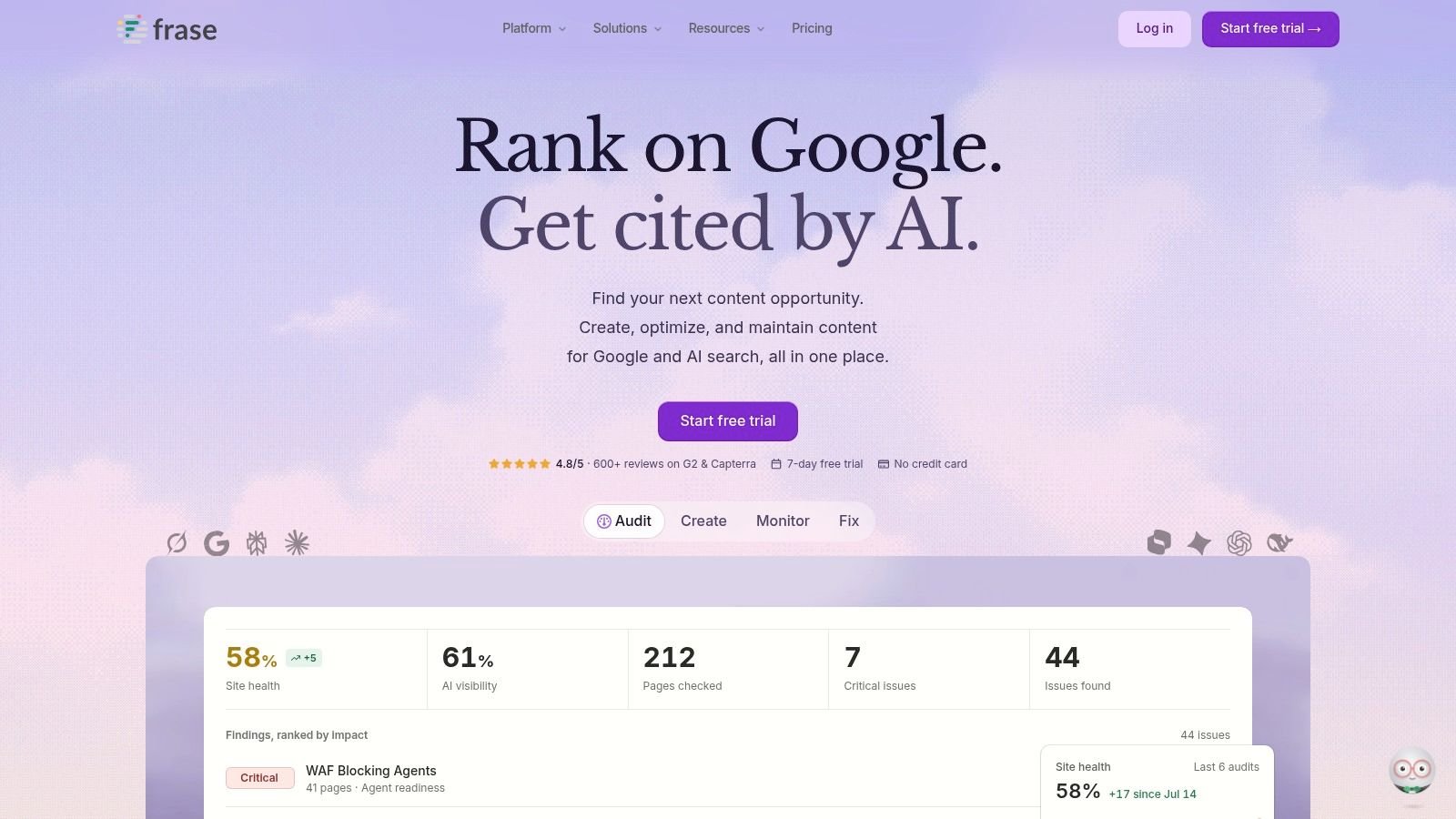
The hardest part of outsourcing content is often the brief. Frase connects research, outlining, AI drafting, and optimization, making it worth considering when a founder needs to transfer product knowledge to a writer.
Its described publishing options include WordPress, Webflow, Sanity, and Wix. Supporting visual generation can also reduce production steps, although technical diagrams still need someone who understands the system.
Start with the decision the reader faces
A brief about choosing an authentication provider should specify the intended buyer, deployment constraints, integration questions, and claims that require documentation. That's more useful than a heading list assembled entirely from competing articles.
- Best use: Build an approved brief before generating prose or handing work to a freelancer.
- Useful workflow: Research the topic, approve the outline, draft, and then optimize.
- Trade-off: More workflow features mean more setup and a learning curve.
Frase and Surfer belong on the same shortlist, but the deciding factor should be your team's working style. Prefer the interface that makes it easiest to review reasoning and source material.
For high-volume plans, inspect current usage and publishing limits before committing. A convenient drafting process loses its advantage if your editor can't preserve citations, comments, or approval checkpoints through publication.
Boost Your Startup's Traffic & SEO with up to 200+ Directory Listings
Skip the grind. Our team manually submits your product to relevant, high-authority directories, with screenshot proof for every submission, so you get real users, feedback and lasting backlinks without lifting a finger.
Get Listed Today7. Anyword
Anyword is most relevant when your blog supports a wider campaign. Blog Wizard, audience settings, Brand Voice, and copy-improvement tools let marketers work on long-form content alongside other marketing formats.
Anyword lists Starter at $49 monthly or $39 per month billed yearly, with a seven-day trial. Its research and plagiarism-checking features can support review, but neither replaces checking the original source behind a claim.
Prediction isn't a campaign result
A performance score can help you compare copy options. It doesn't establish whether an article will attract qualified search traffic, persuade a technical buyer, or generate pipeline.
Say you're launching expense-management software. Use audience settings to distinguish a finance leader's concerns from an employee's submission workflow, then develop the article and campaign copy around those different needs.
- Useful: Creating related messages for an article, email sequence, and landing page.
- Less useful: Buying prediction features solely to publish an occasional tutorial.
Distribution also needs channel-specific writing. A discussion on Reddit shouldn't read like an article introduction or an advertisement; effective Reddit marketing starts with the community's question and rules.
Choose Anyword for campaign coordination. Evaluate the published content using actual audience behavior, not the confidence suggested by an internal score.
8. Rytr
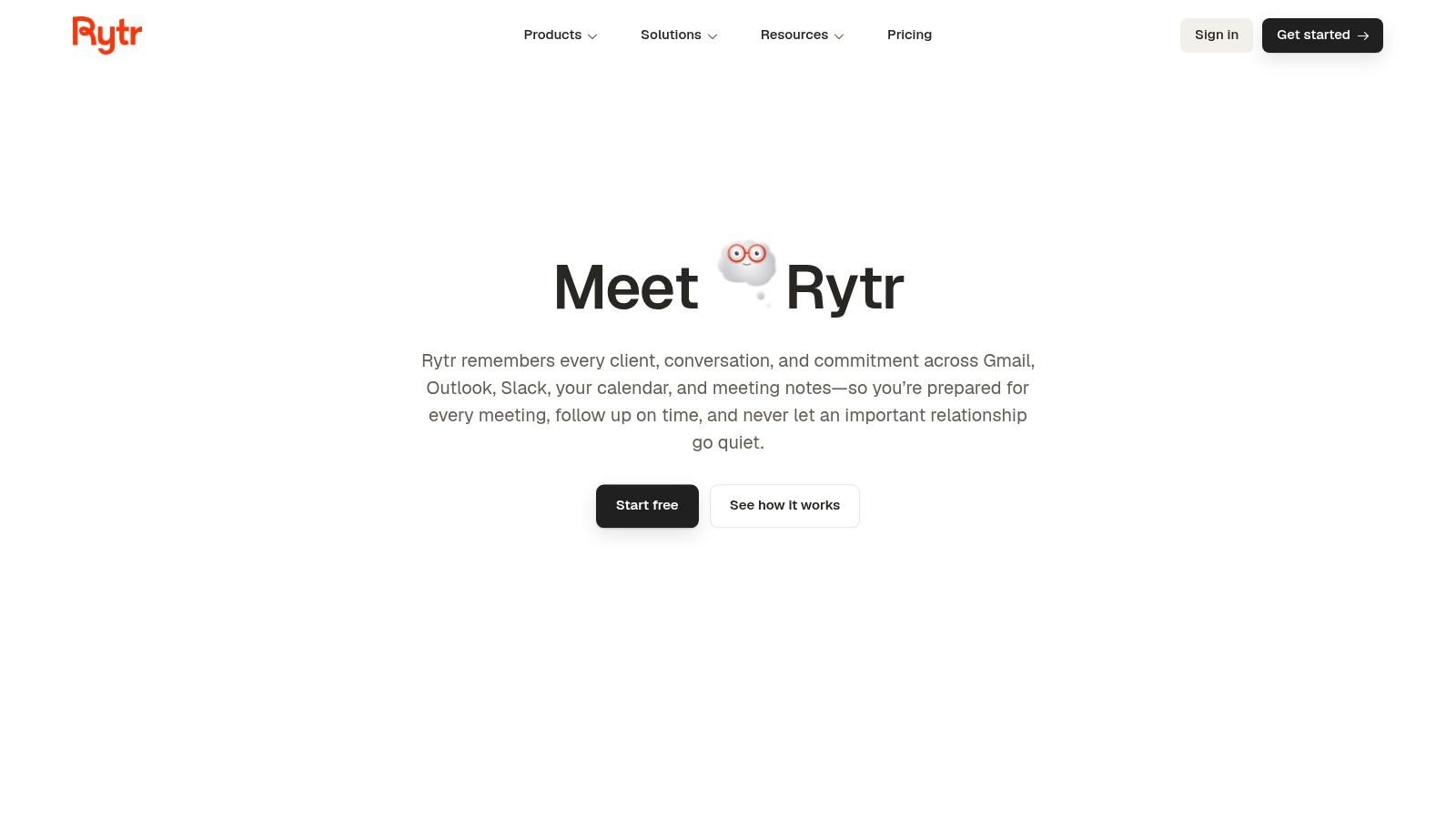
A bootstrapped founder doesn't always need an SEO suite. Sometimes the job is to turn rough notes into a coherent outline or rewrite an explanation that's too dense.
Rytr offers a free plan and lists paid plans at $9 per month for Lite, $19 for Personal, and $49 for Pro. Its multiple writing use cases make it a practical starting point for founders who need assistance rather than a complete content operation.
Keep the assignment narrow
Give Rytr a specific task: explain a deployment trade-off, reorganize onboarding notes, or draft an introduction from approved talking points. Asking for a detailed technical guide without supplying technical substance creates much more editing work.
- Strength: An accessible way to test whether AI drafting fits your habits.
- Limitation: Less specialized SEO research than dedicated optimization platforms.
- Budget discipline: Check character allowances and current plan capabilities against your actual workload.
Pair modest software spending with deliberate distribution. Relevant free startup directories can help you establish company profiles without committing to another recurring platform.
Rytr is a sensible choice when you remain the primary writer. Use it to remove friction from sections you already understand, not to manufacture expertise in subjects you haven't researched.
9. Article Forge
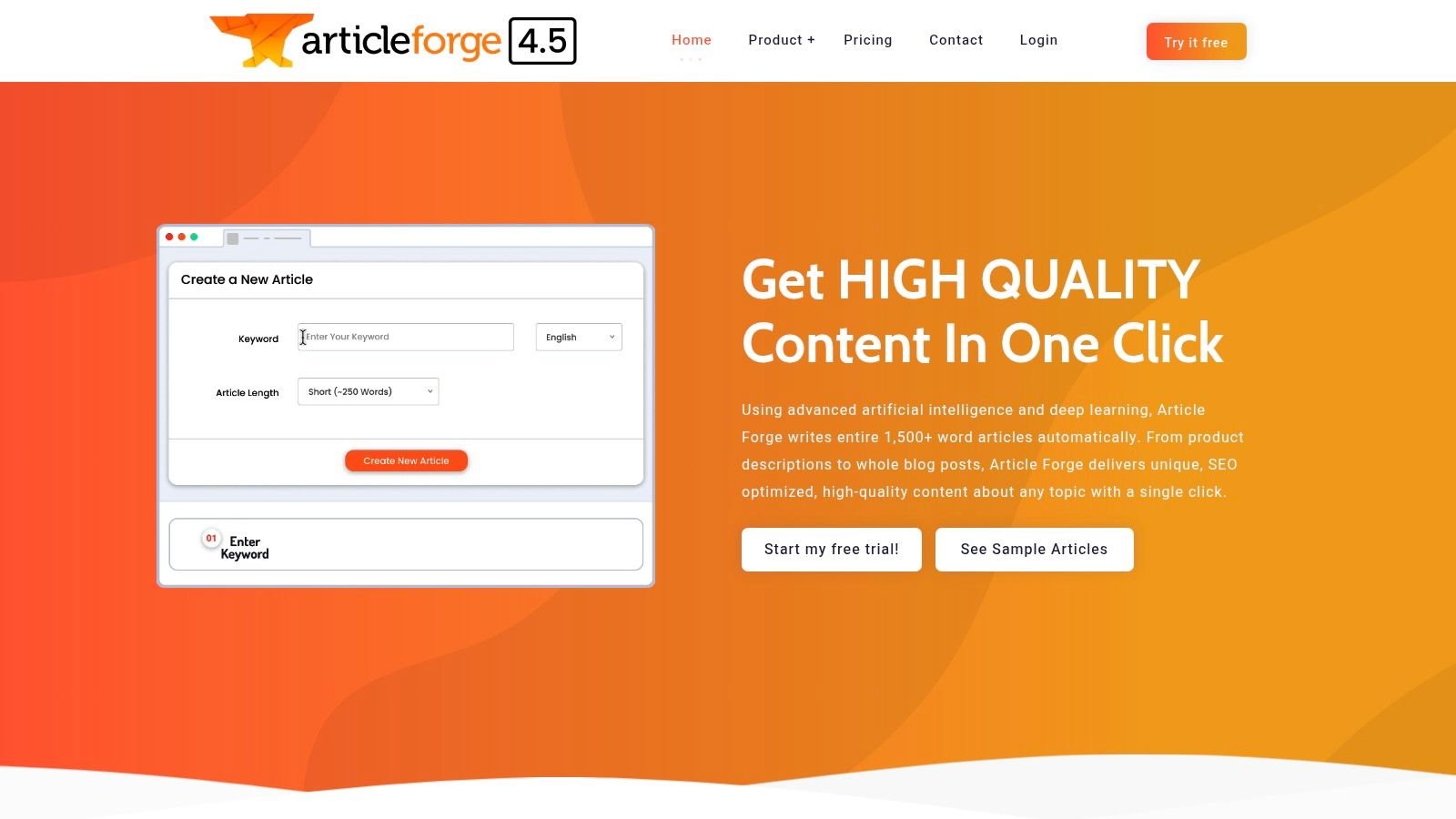
Article Forge prioritizes longer drafts and repeatable production. Bulk generation, API access, and automatic blog posting make it relevant to teams building a content pipeline rather than drafting individual articles interactively.
Article Forge lists a Standard option with a 250,000-word allowance at $57 monthly or $27 per month billed annually, and advertises a five-day trial. That allowance describes generation capacity, not how much publishable work your editor can approve.
Your editorial capacity should set the publishing limit, even when your software can generate much more.
Put a review queue before the CMS
Keyword-led generation is particularly dependent on the context you supply. It won't know why your product excludes a feature, how your customers implement it, or which comparisons your legal reviewer would reject.
Build a staging process that checks sources, product facts, duplicate passages, and internal links. Automatic posting should come after approval, not replace it.
Choose Article Forge when bulk production solves a real operational problem. It's harder to recommend for a founder still discovering positioning or writing highly technical product content.
The commercial calculation is straightforward: inexpensive generation can still produce expensive editing. Test whether the drafts shorten the complete review process before making output volume part of your content strategy.
10. Copy.ai
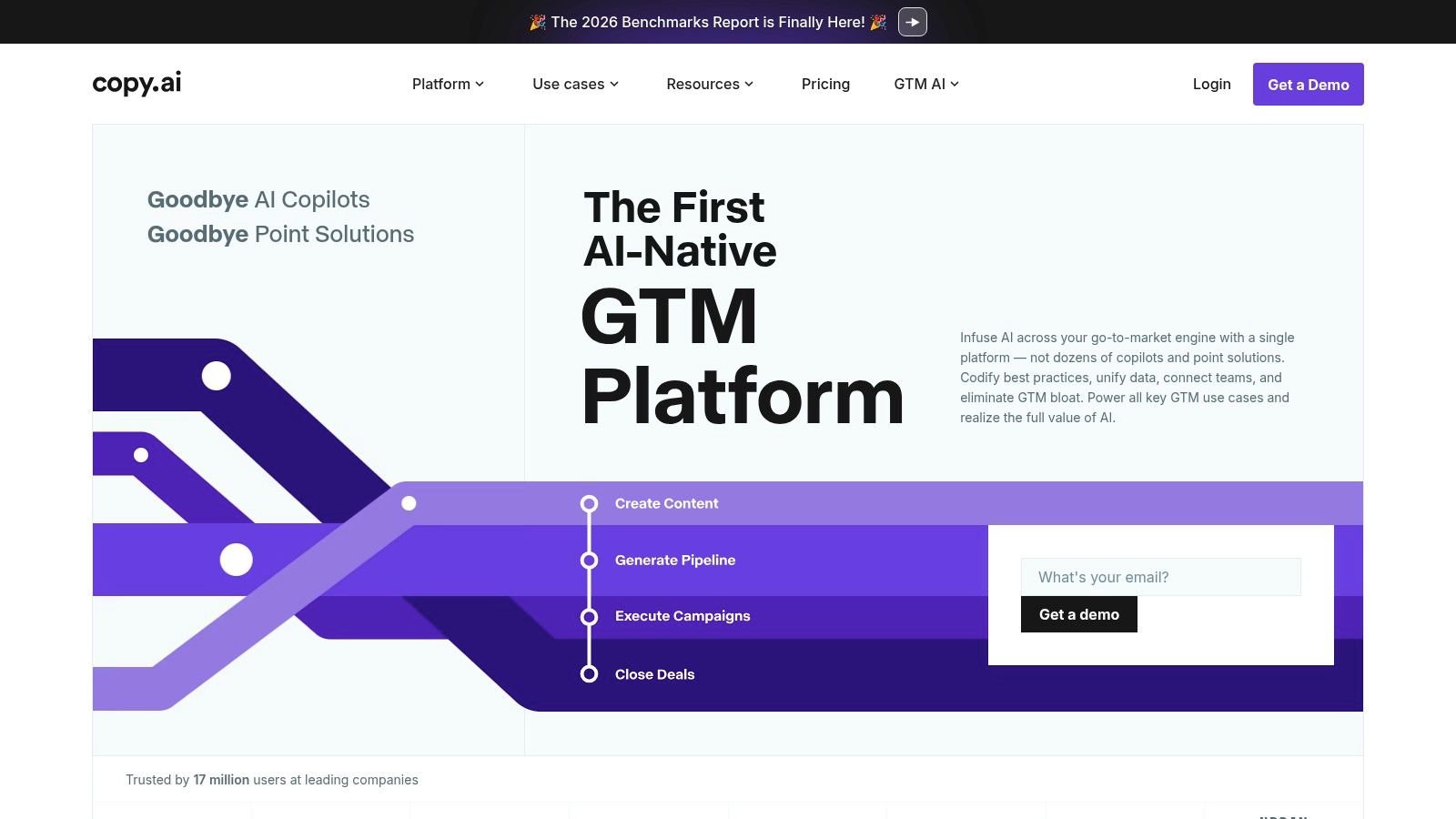
Copy.ai belongs in the broader marketing-workflow category rather than the dedicated SEO-editor category. Chat, projects, and higher-tier automation features suit teams that want to turn source material into several kinds of go-to-market content.
Copy.ai lists Chat at $29 monthly or $24 per month billed annually, while Growth is listed at $1,000 monthly and Enterprise pricing is custom. Those are materially different purchases, so don't assume the entry plan includes the workflow capabilities shown across the platform.
Repurpose the evidence, not just the wording
Say your founder documents why customers abandon spreadsheet-based forecasting. That source material could support an article, sales follow-up, onboarding email, and launch announcement, each with a different purpose.
- Strong fit: Teams coordinating content across marketing and sales.
- Weak fit: Buyers mainly seeking search-result research and article optimization.
- Important constraint: Automations need approved inputs and review checkpoints.
Choose Copy.ai when repeatable content operations matter more than a dedicated SEO score. Projects can organize work, but they don't replace a source-of-truth document.
Keep claims, product names, and limitations attached to the material you repurpose. Otherwise, a small drafting error can appear across several customer-facing assets before anyone notices.
11. ContentForge
ContentForge is another option for founders who want a general content workspace rather than an SEO-specific editor. Its projects, documents, and team seats support organizing multiple writing tasks in one place.
ContentForge lists Standard at $29 monthly or $24 per month billed yearly, and Unlimited at $99 monthly or $83 per month billed yearly. The advertised trial doesn't require a credit card, making it useful for evaluating the workflow before purchasing.
Test with a difficult brief
Don't assess it only on a broad topic such as improving productivity. Use a brief from your actual backlog that requires product context, a clear audience, and a defensible recommendation.
- Inspect structure: Does the draft answer the buying or implementation question directly?
- Inspect substance: Does it preserve your evidence rather than substitute generic advice?
- Inspect editing effort: Can your reviewer improve the draft without rebuilding it?
A generous word allowance isn't a quality measure. Neither is a clean document editor if you still need to recreate your entire research and approval process elsewhere.
ContentForge is worth considering when general drafting and workspace organization are the requirement. Choose a specialist instead if your main bottleneck is search research, technical optimization, or tracking how content performs after publication.
Blog post generators compared
| Tool | Starting price | Free plan or trial | SEO features | Best for |
|---|---|---|---|---|
| Outrank | Not specified | Free blog post generator | Keyword research, SEO article generation, publishing integrations | Teams seeking AI-assisted SEO content and publishing |
| Jasper | $59/month billed yearly | 7-day trial | Long-form marketing content with brand voice controls | Marketing teams needing consistent, brand-aligned drafts |
| Writesonic | $79/month billed annually | Not specified | SEO tools, site audits, and AI-search visibility tracking | SaaS teams combining content creation with SEO research |
| HubSpot AI Blog Writer | Not specified | Basic functionality advertised as free | Brand voice refinement and HubSpot content and reporting tools | Teams already using HubSpot for marketing or publishing |
| Surfer | $79/month billed yearly | Not specified | Keyword research, content optimization, Topical Maps, AI articles | Teams running an ongoing SEO content program |
| Frase | Not specified | Not specified | Content research, briefs, optimization, and publishing options | Marketers who want a connected research-to-publishing workflow |
| Anyword | $39/month billed yearly | 7-day trial | Blog research and plagiarism checking; performance predictions | Marketers creating blog content alongside campaign copy |
| Rytr | $9/month | Free plan with monthly character allowance | Limited specialized SEO research features | Founders and small teams seeking affordable drafting help |
| Article Forge | $27/month billed yearly | 5-day trial | Keyword-led long-form article generation and automated posting | High-volume article drafting workflows |
| Copy.ai | $24/month billed yearly | Not specified | Limited dedicated SEO research and optimization features | Teams producing varied marketing and go-to-market content |
| ContentForge | $24/month billed yearly | Free trial with limited word allowance | General content drafting, with limited SEO specialization | Teams seeking a multi-purpose AI content workspace |
Your Draft Is Done. Now Make Sure Anyone Actually Finds It
Pick Surfer or Frase if SEO is your growth channel and someone owns research and editing. Choose Jasper or Copy.ai when content spans campaigns. Start with Rytr if budget is tight, or consider Outrank when publishing handoffs consume your time.
Compare candidates using the same brief and judge the editing required, not just the first draft. In a survey of 301 marketers summarized by Ahrefs, 85% of AI users said they produced content faster. Your useful benchmark is whether you reach an accurate, differentiated published article faster.
Can an AI-generated post rank or appear in AI answers?
A generator doesn't make a page eligible by itself. Google's AI-feature guidance says pages must be indexed and eligible for standard Search snippets, with no separate special markup required for AI Overviews or AI Mode.
Keep important information in text, make pages discoverable through internal links, and ensure structured data matches visible content. Add evidence worth citing rather than rewriting common advice.
Do directory backlinks guarantee visibility?
No. Relevant profiles can support discovery and a consistent company identity, but neither a listing nor a backlink guarantees rankings or LLM mentions.
Google's spam policies prohibit links created primarily to manipulate rankings and distinguish properly qualified advertising links from ranking schemes. Build genuine company profiles, not a network of keyword-heavy placements.
What should founders do after publishing?
A useful post on an unknown domain can still struggle to reach readers. Follow a practical sequence:
- Publish consistently: Maintain a schedule your editor can support, and refresh outdated product information.
- Build the entity layer: Keep your name, category, description, and homepage consistent across relevant directory and review profiles.
- Add contextual authority: Pursue guest articles and press opportunities where you can contribute useful expertise.
- Measure business outcomes: Track qualified referrals, branded searches, assisted conversions, and demos alongside rankings and AI mentions.
Visibility and visits aren't interchangeable. Pew Research Center found that U.S. Google users clicked traditional results in 8% of visits with an AI summary, compared with 15% without one.
Choose a generator, prepare a source-backed brief, and publish an article you can defend. For the external foundation, StartupSubmit manually submits SaaS products to 220+ software directories, including Product Hunt and G2, with platform-specific descriptions and reporting. We recommend building that entity layer before adding guest posts and press. Every tool here writes drafts; only founders can contribute the first-hand knowledge that makes those drafts worth reading, citing, and ranking.
Ready to build high-quality backlinks?
We'll manually submit your product to 60 to 200+ directories in 5 to 7 days, with screenshot proof for every submission. No bots, no boring forms, just more time for selling and building.
See pricing & get started →