
5 Steps to Get Listed on Crunchbase: Founders’ 72 Hour Checklist
Yes, you can get listed on Crunchbase, and it costs nothing to do it. Any registered user who completes social authentication can build a free company profile. The fastest route is four moves: register an account, connect Google or LinkedIn, search Crunchbase to make sure your company isn’t already listed, then use the Create Profile tool under Resources.
TL;DR:
- Completing social authentication with Google or LinkedIn is mandatory for profile creation and significantly speeds up the registration process.
- Focus on key fields such as logo, founded date, website, location, industry tags, and funding history, as they influence search visibility and credibility most.
- To improve ranking, keep your profile updated with current funding rounds, team members, and press links, ideally immediately after milestones occur.
- Claim and edit existing profiles promptly, providing supporting evidence for locked fields like funding or leadership changes, to avoid stale or duplicate listings.
- Enhancing profile visibility requires continual updates and supplementary directory submissions, not just initial setup or polishing, to stay relevant and discoverable.
Table of Contents
- How to Get Listed on Crunchbase Step by Step
- Which Fields Should You Fill In First?
- How Do You Improve Your Crunchbase Rank?
- Claiming and Editing an Existing Crunchbase Listing
- Common Problems When Creating a Crunchbase Profile
- What to Do in the 72 Hours After Your Profile Goes Live
- Why Most Founders Get Crunchbase Backwards
- An Optional Way to Speed Up Visibility Beyond Crunchbase
- Crunchbase Support Articles Worth Bookmarking
- Sources
How to Get Listed on Crunchbase Step by Step
Getting listed on Crunchbase isn’t complicated, but skipping a step usually means starting over or waiting on a support ticket. Here’s the order that actually works.
-
Register your account. Go to Crunchbase and sign up with your work email, or use Google One Tap or LinkedIn to speed things along. Founders creating a Crunchbase account often skip the social sign-in options, not realizing they exist, and then wonder why registration feels slower than it should.
-
Authenticate with a social account. Head into Account Settings and connect either Google or LinkedIn. This step trips up more people than any other part of the process, mainly because it’s easy to miss and Crunchbase won’t let you create a profile without it.
-
Search before you create anything. Type your company name into the Crunchbase search bar. A surprising number of startups already have a stub profile somebody else added years ago, maybe from a press mention or a funding database sync. Creating a second one just splits your data and confuses anyone researching your company.
-
Use Resources → Create Profile. If no existing listing turns up, go to Create Profile, pick the right profile type (company, person, or investor), and start filling in fields.
-
Save All Edits. Nothing goes live until you click this. Sounds obvious, but plenty of first-time users fill out a beautiful profile and then close the tab.
A few small habits pay off here. Use your company email address rather than a personal Gmail account, since it signals legitimacy during any manual review. Include your official website URL exactly as it appears in your domain registration. And skip words like “revolutionary” or “best in class” in your description. Crunchbase moderators edit those out routinely, which just delays your listing going live cleanly.
Which Fields Should You Fill In First?
Not every field on a Crunchbase profile carries the same weight, and you don’t need to complete everything on day one. Focus first on the fields that show up in search results and investor queries.
- Logo, founded date, and website. These are the first things anyone scanning your profile checks.
- Short and long description, written in third person. Crunchbase explicitly recommends third-person, factual language over marketing copy.
- Headquarters location.
- Three to five industry tags. This range isn’t arbitrary. Too few and your profile won’t surface in relevant category searches; too many and it looks unfocused.
- Team members and founders, with LinkedIn URLs attached. Verified links carry more weight than plain text names.
- Funding rounds, backed by press citations. A funding entry with a linked TechCrunch or local business journal article reads as far more credible than a bare number.
Pro Tip: Gather your press links and clean LinkedIn URLs before you sit down to build the profile. Founders who prep this ahead of time finish in one sitting instead of three.
One thing to know upfront: fields like CB Rank, Insights, and Predictions are calculated automatically. You cannot edit them directly. If one of those looks wrong, your only option is contacting Crunchbase support rather than trying to fix it through the profile editor.
How Do You Improve Your Crunchbase Rank?
Crunchbase Rank is calculated, not chosen, but the inputs behind it are entirely within your control. A thin profile with two filled fields will never outrank a complete one, no matter how much funding you’ve raised.
Start with completeness. A profile with your logo, description, funding history, and industry tags filled in gives the algorithm and human searchers far more to work with than a half-finished stub. Those three to five industry tags matter more than founders expect, since they’re what surface your company when someone searches “fintech startups” or “climate tech Series A” instead of your exact name.
- Add press links every time you announce funding, a product launch, or a hire worth noting.
- Keep team listings current. When a co-founder leaves or a new VP joins, update the profile the same week.
- Link every team member to their LinkedIn profile, not just the founders.
- Revisit the profile after every real milestone rather than once a year.
Because Crunchbase is crowdsourced, treating your listing as a one-time task guarantees it goes stale. The founders who show up in investor searches months later are usually the ones who updated their funding round the week it closed, not the ones who set the profile and forgot it.
Pro Tip: Write your company description the way a journalist would describe you in a news brief, not the way your homepage does. Neutral, factual language gets approved faster and stays untouched by moderators.
Claiming and Editing an Existing Crunchbase Listing
If your company already has a profile someone else created, you don’t need a new one. You need to claim it.
- Search Crunchbase for your company name and open the existing listing.
- Log in and confirm your social authentication is active.
- Look for the Claim or Edit option on the profile page and follow the prompts.
- Update the editable fields (overview, funding, team, description) directly.
- For anything locked, such as CB Rank or Insights, email support@crunchbase.com with press links, official filings, or screenshots as evidence.
Moderation isn’t instant. Give it a few business days, and expect closer scrutiny if your edits touch funding figures or leadership changes, since those get flagged for verification more often than a simple description update.
Common Problems When Creating a Crunchbase Profile
Most listing issues fall into a handful of predictable buckets, and nearly all of them have a fast fix.
- No Create Profile option showing up: Double check that social authentication actually completed in Account Settings, then try a different browser or clear your cache.
- No confirmation after submitting: Check spam folders first, then email support with your submission URL and a screenshot attached.
- Description keeps getting edited for tone: Strip out subjective adjectives and superlatives, then rewrite it as a plain factual summary with dates and linked press coverage.
- Duplicate listings for the same company: Report the duplicate to support with evidence showing which one is authoritative, and request a merge rather than trying to delete one yourself.
Also worth knowing: Crunchbase orients itself toward the technology ecosystem. If your business sits well outside that scope, a profile might get flagged during review even when every field is filled in correctly.
What to Do in the 72 Hours After Your Profile Goes Live
Publishing the profile is the easy part. The next three days decide whether it actually gets found.
Check your listing from an incognito browser to see what a stranger sees. Send the link to two or three people you trust and ask what’s missing. Add any press mention you’ve been sitting on, even a small local feature, since one citation does more for credibility than a paragraph of self-description.
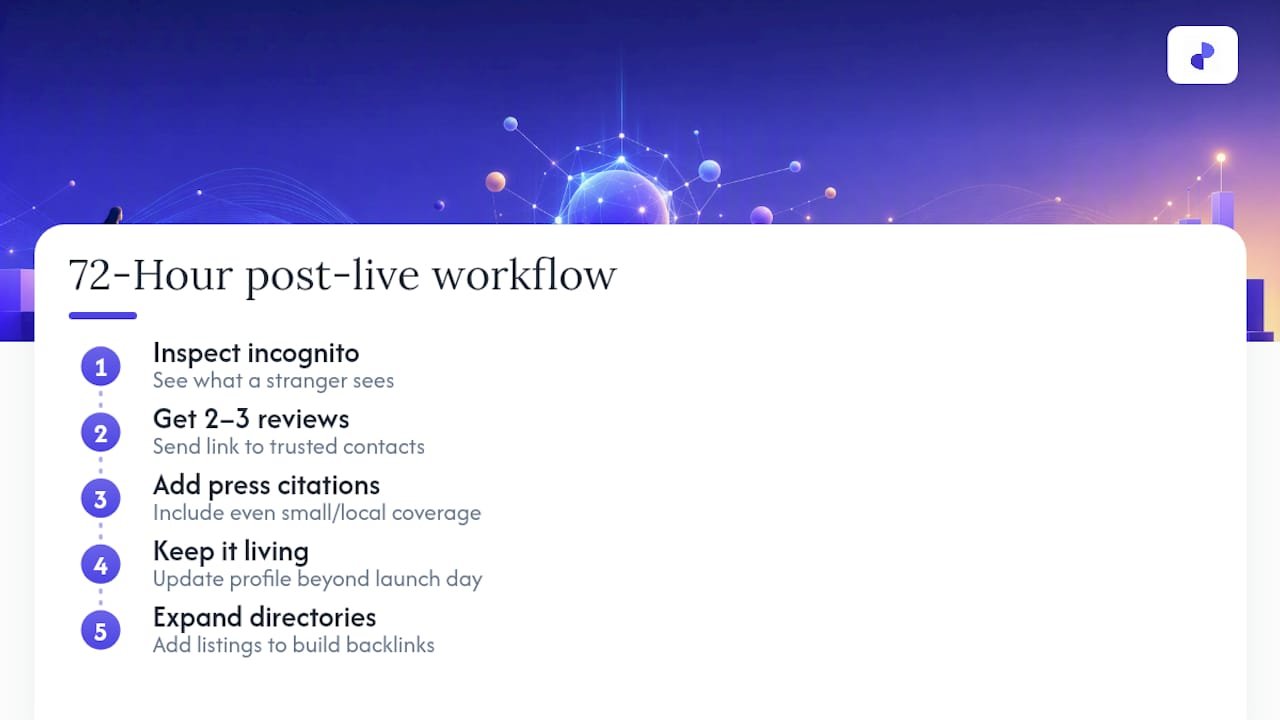
Treat the profile as a living document, not a launch checklist item. Investors and journalists search Crunchbase constantly, and a profile that hasn’t moved since launch day reads as a company that’s stalled. Pairing your Crunchbase listing with broader directory visibility, the kind that builds backlinks and search presence beyond one platform, strengthens the same discovery signals from multiple directions.
Why Most Founders Get Crunchbase Backwards
Most advice on this topic treats Crunchbase like a form to fill out once and forget. That’s backwards. The founders who actually show up when an investor or journalist searches their category are the ones who update funding rounds the week they close and add press links the day a story runs, not months later.
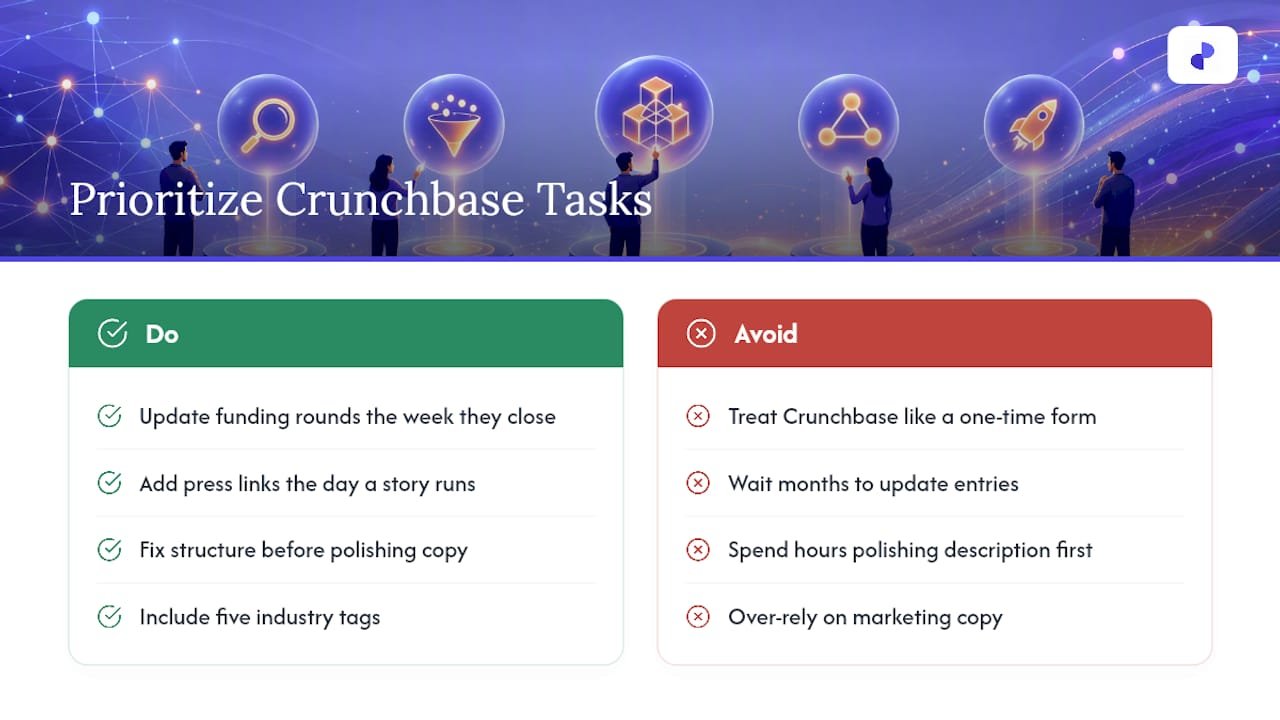
The conventional wisdom also oversells the description field. Founders spend an hour polishing three sentences of marketing language, and a moderator strips half of it out anyway. The fields that actually move your visibility are the boring ones: industry tags, verified team links, and funding history backed by citations. Get those right first.
If you’re deciding where to spend your limited time this week, skip the polish and fix the structure. A complete, factual profile with five industry tags and two press citations will outperform a beautifully written but thin one every time.
— Danish
An Optional Way to Speed Up Visibility Beyond Crunchbase
A Crunchbase profile puts you in front of investors and researchers, but it’s one listing among the hundreds of places your future customers and backers actually look. Startupsubmit is built for the gap between “I have a Crunchbase page” and “I show up everywhere that matters.”
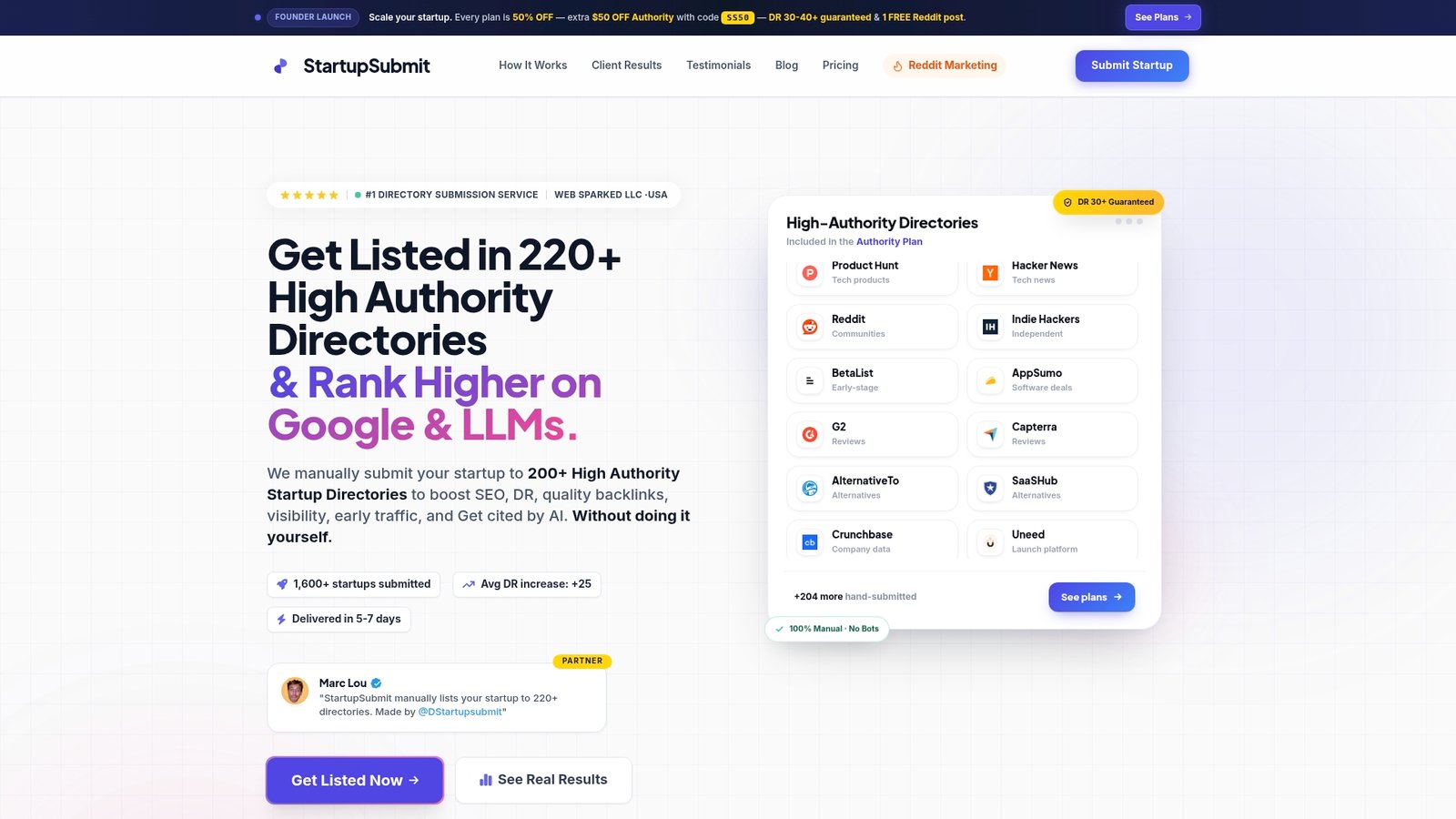
A directory submission service manually submits your company to many high-authority directories, writing each listing individually instead of running your description through an automated bot. Manual, unique submissions tend to get accepted at higher rates than templated ones, and every accepted listing can contribute backlinks working toward your domain rating. If you’re a startup founder with a limited window before your next funding conversation and no time to research numerous directory requirements yourself, such a submission service can be valuable. Check the directory submission service details or see the full list of startup directories worth targeting, then start your submission when you’re ready to expand beyond Crunchbase.
Crunchbase Support Articles Worth Bookmarking
For the exact requirements, see Crunchbase’s own guides on account registration and profile creation. For data errors, contact support@crunchbase.com directly.
Sources
Recommended
- Best Startup Directories 2026 — 15 Top Platforms + Full 220+ List
- StartupSubmit vs ListingBott (2026): Honest Directory Submission Service Comparison
- SaaS Directory Submission Service — Get Listed on 220+ SaaS Directories
- StartupSubmit vs SubmitJuice (2026): Honest Directory Submission Service Comparison