Claim Your BBB Profile in 1–2 Hours: U.S. Startup Action Plan
Claim your free BBB Business Profile now. Pursue paid BBB Accreditation only if you’ve been operating at least six months and want the Accredited Seal and dispute-resolution access. If you’d rather hand off directory work entirely, a service like StartupSubmit handles manual submissions across 220+ directories, BBB included in your broader citation strategy.
TL;DR:
- Claiming a free BBB profile is quick and requires accurate location details and consistent information across other directories for maximum visibility.
- Accreditation involves a six-month operational minimum, region-specific fees, and provides benefits like dispute resolution and improved local search ranking.
- Regularly updating your profile with a clear overview, verified reviews, images, and social links helps boost your search presence and customer trust.
- Avoid neglecting your online footprint outside BBB, since consistent NAP data across 220+ directories can significantly enhance your overall search traffic.
- StartupSubmit offers manual directory submissions to improve your broader online presence at a one-time cost, complementing a well-maintained BBB profile.
Free BBB Listing vs. Accreditation: Which One Do You Need?
Every business gets a free BBB Business Profile just by claiming it. Accreditation costs money, requires a formal application, and only makes sense once you clear a few basic hurdles.
A free profile gets your business found on BBB.org, lets customers leave reviews, and gives you a public record you control. That alone helps with search visibility since Bbb. Accreditation adds the Accredited Business Seal, formal dispute-resolution access, and in many markets a boost in how you rank against unaccredited competitors in local search results.
Run through this before deciding:
- Time in business: BBB typically wants six months of active operation before it will consider your accreditation application.
- Budget for dues: Local BBBs set their own annual fees based on business size and region, so costs vary by market.
- Seal value: If your customers actively check BBB before buying (common in home services, contracting, and finance), the seal pays for itself faster.
- Dispute exposure: Accredited status gives you formal access to BBB’s dispute-resolution process, which matters if complaints are a real risk in your industry.
If none of that urgency exists yet, claim the free listing today and revisit accreditation once you’ve built a track record.
How to Add or Claim Your BBB Business Profile
Getting listed is mechanically simple, but a few small mistakes cause real delays. Here’s the sequence that avoids them.
- Set your location correctly. BBB operations are local, so the office tied to your address handles your verification and any future dues. Getting this wrong sends your application to the wrong regional team.
- Search before you add anything. Use BBB’s Get Listed tool to check whether a profile already exists for your business, sometimes created by a customer complaint or a data partner.
- Claim or add. If a profile exists, claim it and create a BBB login to manage it. If nothing turns up, select “Add my Business” and complete the form.
- Prepare your documents. Have your business name, address, and phone number ready exactly as they appear elsewhere online, plus a business-domain email address rather than a free Gmail or Hotmail account. A business-domain email speeds up verification because it signals legitimacy to BBB staff reviewing the request.
- Expect a verification call. BBB may call to confirm details before the profile goes live, so watch for that follow-up.
If someone else already claimed your profile, most likely a former employee or a franchise partner, contact your local BBB directly to transfer ownership. Multi-location businesses should set up one primary listing first, then request additional locations through the local BBB office by email, since that workflow isn’t self-service.
Pro Tip: Keep your incorporation paperwork or business license handy before you start the form. Verification stalls more often from missing documentation than anything else.
Optimize Your BBB Profile: The Field-by-Field Checklist

A claimed profile that’s half-filled out does almost nothing for you. BBB rewards completeness, and profile completeness, accurate categories, consistent contact details, and verified reviews carry more search weight than polished marketing copy.
Work through this list:
- NAP consistency: Your name, address, and phone number should match exactly across BBB, Google, and every other directory you’re listed in.
- Categories: Pick the categories that actually describe what you do. Vague or overly broad categories bury you in searches.
- Overview length: Write at least 150 characters. BBB explicitly recommends avoiding words like “best” or “only” in favor of a clear, factual description.
- Logo size: Upload a 400×400 pixel logo. Off-spec images get cropped awkwardly or rejected.
- Photos and video: Add real images of your team, location, or work. Never embed links or text inside the images themselves.
- Reviews: Ask satisfied customers to leave verified reviews directly on your profile.
- Social links and quote requests: Accredited Businesses can enable a “Request a Quote” button and connect social profiles, features unavailable on free listings.
Update your profile every few months. Stale categories or an outdated overview quietly cost you visibility even after everything else is filled in correctly.
Applying for BBB Accreditation: Eligibility, Timeline, and Dues
Accreditation isn’t just a bigger listing fee. It’s vetted against BBB’s eight Standards for Trust, covering things like honest advertising, transparency, and responsiveness to complaints. That vetting is why the seal carries weight with customers rather than reading as another paid badge.
Here’s what to expect:
- Eligibility: Most businesses need roughly six months of active operation, proper licensing, and no unresolved pattern of serious complaints.
- Application process: You submit business details online, and BBB staff review them against the trust standards before approval.
- Time commitment: The application itself takes about 10 to 20 minutes to complete, though review afterward can take longer.
- Dues: Annual fees are set locally, not nationally, and vary by business size and region. Contact your local BBB for an exact quote before budgeting.
- What you unlock: The Accredited Business Seal, formal dispute-resolution access, and in some markets, better placement in BBB search results.
Because local BBBs operate independently, dues, timelines, and even which extra features are available will differ from one region to the next.
Managing Reviews and Complaints on Your BBB Profile
Reviews and complaints shape your BBB rating more than almost anything else on your profile, so treat monitoring as a regular task, not a one-time setup.
- Check your profile weekly, or set up alerts if your local BBB offers them.
- Respond to every complaint publicly and courteously, and keep your own written record of how each one was resolved.
- Unresolved complaints drag down your rating faster than a slow trickle of minor ones, so speed matters.
- Accredited Businesses get access to BBB’s formal dispute-resolution process, a structured mediation step unaccredited listings don’t have.
- Escalate to your local BBB office directly when a dispute stalls, and bring documentation: invoices, correspondence, and any proof of the resolution you offered.
For a deeper playbook on responding to negative feedback across platforms, this SMB reputation management guide walks through response templates and escalation timing.
Pro Tip: Screenshot every complaint interaction the day it happens. Local BBB staff move faster on disputes when you hand them a clean timeline instead of asking them to reconstruct one.
Your One-Page BBB Action Checklist
Print this, or keep it open in another tab while you work through it.
- Gather your business-domain email, licensing documents, and a 150+ character overview draft.
- Search bbb.org/get-listed, then claim or add your profile.
- Complete verification, watching for BBB’s confirmation call.
- Finish the top 8 optimization items this week: logo, categories, NAP, overview, photos, reviews request, social links, and a service list.
- If you clear the six-month mark, start your accreditation application and call your local BBB to confirm dues.
| Stage | Action | Typical time |
|---|---|---|
| Claim | Search and claim or add profile | Same day |
| Verify | Confirm details with BBB | A few days |
| Optimize | Fill all profile fields | 1 to 2 hours |
| Accredit (optional) | Submit application | 10 to 20 minutes |
Why Directory Presence Is the Overlooked Half of BBB Strategy
Most owners treat their BBB profile as an island. It isn’t. BBB rewards NAP consistency, and that consistency only exists if your business shows the same details across dozens of other directories search engines and customers check before they ever land on bbb.org.
StartupSubmit’s own work backs this up: manual submissions across 220+ high-authority directories built by a dedicated SEO team, not automated bots, have produced results like a 338% increase in organic traffic for some startup clients within days. A BBB profile filled out perfectly still sits in isolation if the rest of your directory footprint is thin or inconsistent.
— Danish
Let StartupSubmit Handle Your Directory Footprint While You Focus on BBB
StartupSubmit is the alternative to hiring an agency or wrestling with automated bot tools for directory visibility. You get manual submissions, duplicate checking, accurate category selection, and a placement report, done by a real SEO team instead of software that guesses at your category and gets you rejected.
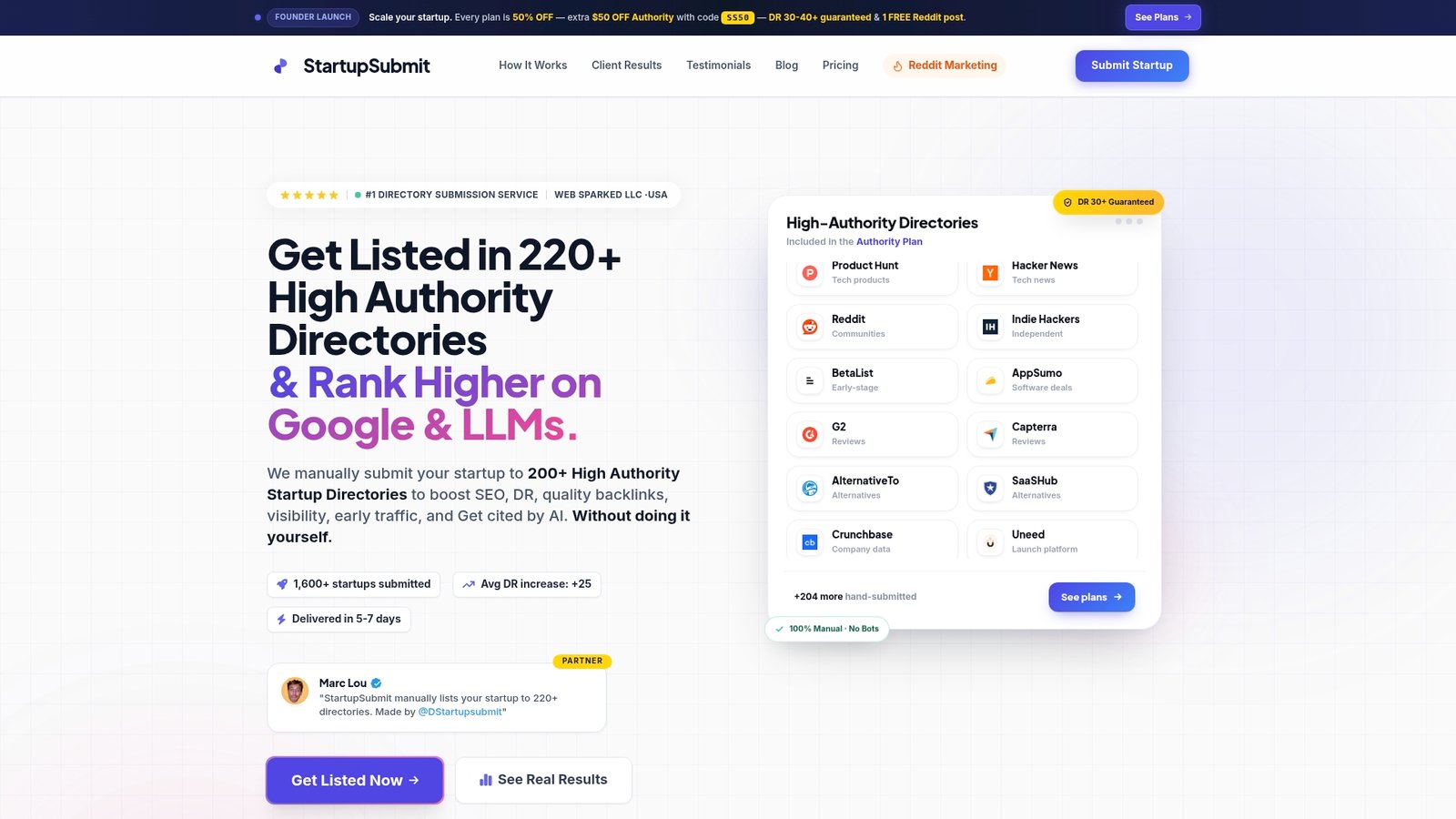
If your BBB profile is polished but the rest of your online footprint is thin, that’s the gap costing you visibility. StartupSubmit’s Starter, Growth, and Authority plans start at $199 one-off for Starter, with Growth at $399 and Authority at $299, each covering manual placement across the same 220+ directory network that complements a strong BBB presence. If you’re a SaaS or AI founder specifically, the dedicated SaaS and AI submission service targets platforms your buyers actually search. Check the submit-directories page and pick the plan that matches how many directories you need covered this month.
Sources
- BBB Accreditation standards and eligibility — Better Business Bureau
- How to submit a business to the BBB directory — Better Business Bureau
- Find your local BBB — Better Business Bureau
FAQ
Is a BBB Business Profile Free?
Yes, claiming or adding a basic BBB Business Profile costs nothing. Paid accreditation is optional and adds the Accredited Seal along with formal dispute-resolution access.
How Long Does BBB Accreditation Take to Apply For?
The application itself typically takes 10 to 20 minutes to complete, though full review and approval can take longer depending on your local BBB’s workload.
How Long Must I Be in Business Before Applying for Accreditation?
Most local BBBs require roughly six months of active operation before they’ll consider an accreditation application. Requirements can vary slightly, so confirm with your local BBB before applying.
What Happens if Someone Else Already Claimed My Business Profile?
Contact your local BBB office directly to verify ownership and request a transfer. This is common when a former employee, franchise partner, or data provider created the listing before you did.
Does StartupSubmit List Businesses on BBB Directly?
StartupSubmit focuses on manual submissions across 220+ high-authority directories to build a broader, consistent online footprint. Current pricing for its submission plans is listed on the submit-directories page.